
PNG vs JPG vs WebP
Three raster image formats with different trade-offs in compression, transparency, and browser support.
PNG (Portable Network Graphics) is a lossless format that supports a full alpha channel — the only choice when you need transparency. File sizes are larger than JPG for the same dimensions, which is why PNG is used for cutouts, logos, and UI assets rather than hero photos.
Loading upload service...
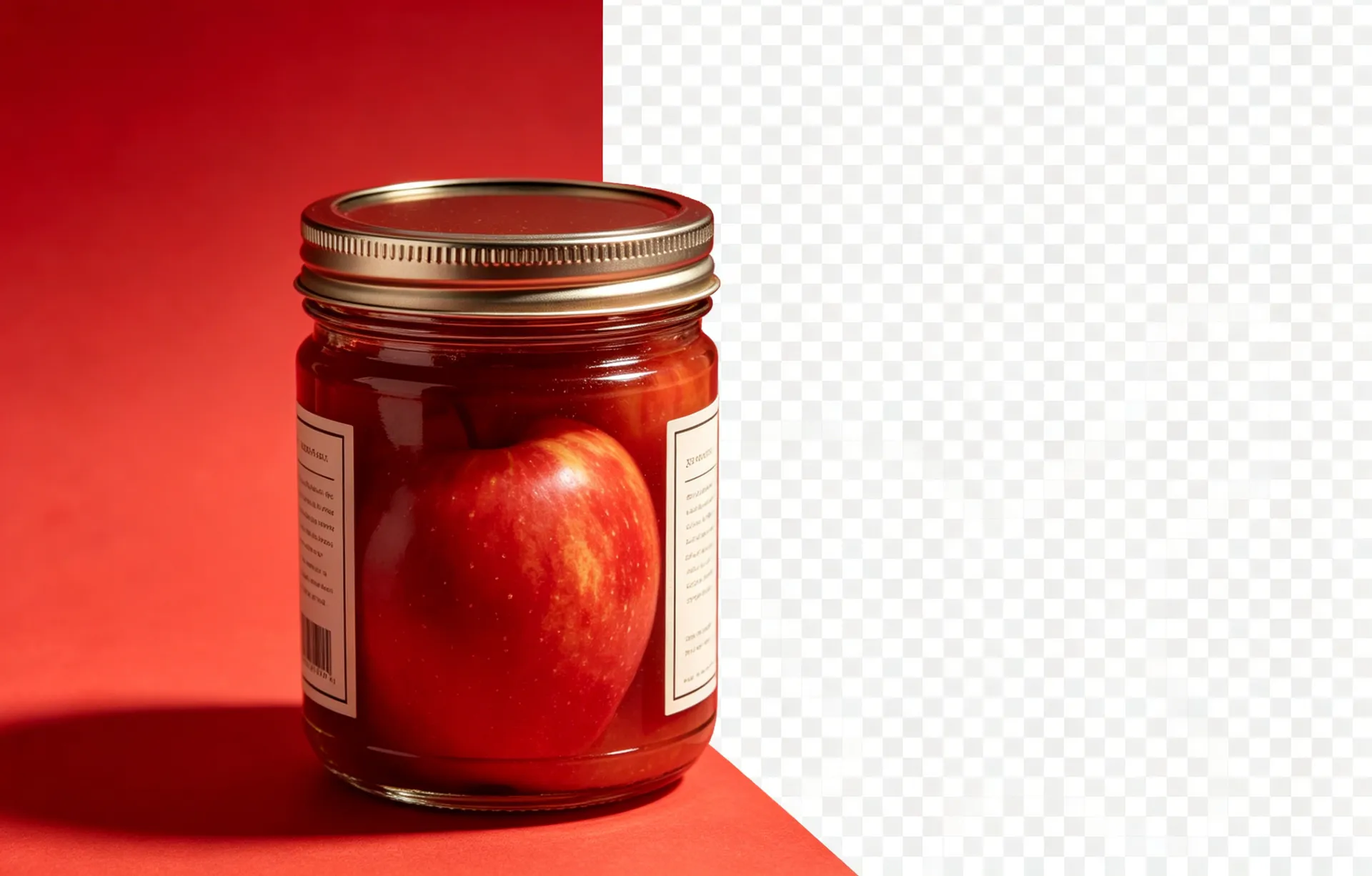
PNG (Portable Network Graphics) is a lossless format that supports a full alpha channel — the only choice when you need transparency. File sizes are larger than JPG for the same dimensions, which is why PNG is used for cutouts, logos, and UI assets rather than hero photos. JPG and WebP are the workhorses for photographic content, with WebP offering the smallest files at equivalent visual quality.
Read on
Use PNG when you need transparency (cutouts, logos, icons, UI assets), when you need lossless quality (master files, archival), or when the image has sharp edges that compress poorly as JPG.
Read on
Use JPG for hero photographs, social previews, and any place you do not need transparency and file size matters. JPG does not support transparency — saving a transparent PNG as JPG will flatten the background to white.
Read on
Use WebP for web delivery when you want smaller files than PNG or JPG at the same visual quality. WebP supports both lossy and lossless compression, full transparency, and animation. Browser support is universal in 2026.
Read on
Re-encoding a transparent PNG as JPG loses the alpha channel permanently. Re-encoding a JPG as WebP is safe. Re-encoding a PNG as WebP preserves the alpha. Always keep a master copy of the highest-quality original.
Use PNG for transparency, JPG for photos, WebP for the web when you can. The 25–35% file-size saving of WebP at the same visual quality is usually worth the format conversion — and modern browsers support it universally.
Continue learning
What is a Transparent PNG?
The full glossary entry on PNG with alpha channel.
What is an Alpha Channel?
The technical deep-dive on the channel that makes transparency work.
How to Create a Transparent PNG
Step-by-step guide to producing a clean transparent PNG.
Apply this to your workflow
BGRemover turns the technical parts of background removal into a single click. Open the workspace and see the difference.