
Alpha Channel
An 8-bit (or 16-bit) channel stored alongside the RGB channels of an image that defines per-pixel transparency.
The alpha channel is the part of an image file that encodes transparency. In a 32-bit PNG, each pixel has four channels: red, green, blue, and alpha. The alpha value (0–255) controls how much of that pixel is opaque — 0 means fully see-through, 255 means fully solid.
Loading upload service...
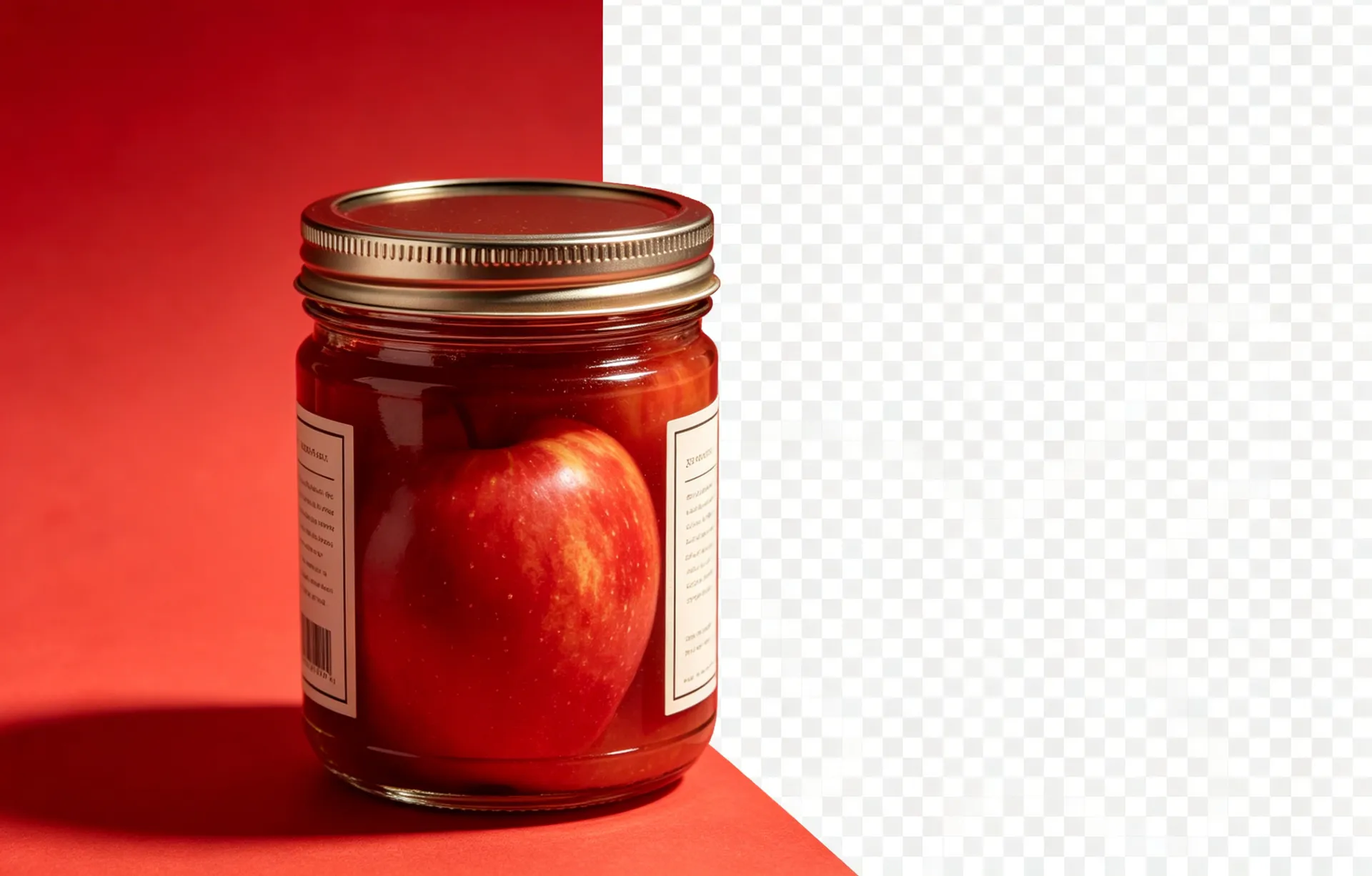
The alpha channel is the part of an image file that encodes transparency. In a 32-bit PNG, each pixel has four channels: red, green, blue, and alpha. The alpha value (0–255) controls how much of that pixel is opaque — 0 means fully see-through, 255 means fully solid. Without the alpha channel, every pixel is fully opaque and there is no way to make parts of the image transparent.
Read on
8-bit alpha gives 256 levels of transparency (0–255), which is the standard for web and most design work. 16-bit alpha gives 65,536 levels, which matters for high-end print work where banding in gradients is visible at 8-bit.
Read on
Some image formats (including the internal storage used by some software) store 'pre-multiplied' alpha — the RGB values are multiplied by the alpha value, so a 50% transparent red pixel is stored as (128, 0, 0, 128) rather than (255, 0, 0, 128). Pre-multiplied alpha is faster to composite but can confuse older image editors.
Read on
In CSS, alpha is part of the rgba() and hsla() colour syntax: rgba(255, 0, 0, 0.5) is a 50% opaque red. The alpha value is between 0 and 1, not 0 and 255.
Read on
Saving a transparent PNG as a 24-bit PNG (the alpha is discarded). Exporting as JPG (the alpha is replaced with white). Uploading to a platform that does not support alpha (the file is flattened to the platform's background colour).
Saving a transparent PNG as a 24-bit PNG discards the alpha channel permanently. The file looks the same in the editor (because the editor falls back to a checkered background), but the alpha is gone. Always verify the file is 32-bit before sharing it as a transparent asset.
Continue learning
What is a Transparent PNG?
The full glossary entry on PNG with alpha channel.
What is RGBA?
The four-channel colour model that includes the alpha channel.
What is an Image Mask?
The relationship between masks and alpha channels in modern pipelines.
Apply this to your workflow
BGRemover turns the technical parts of background removal into a single click. Open the workspace and see the difference.