
Image Mask
A grayscale (or alpha) channel that defines which parts of an image are visible, semi-transparent, or hidden.
An image mask is a separate channel — usually stored as the alpha channel of a PNG or as a dedicated layer in PSD — that determines the opacity of each pixel in the final image. A pixel with a mask value of 0 is fully transparent, 255 is fully opaque, and anything in between is partially see-through.
Loading upload service...
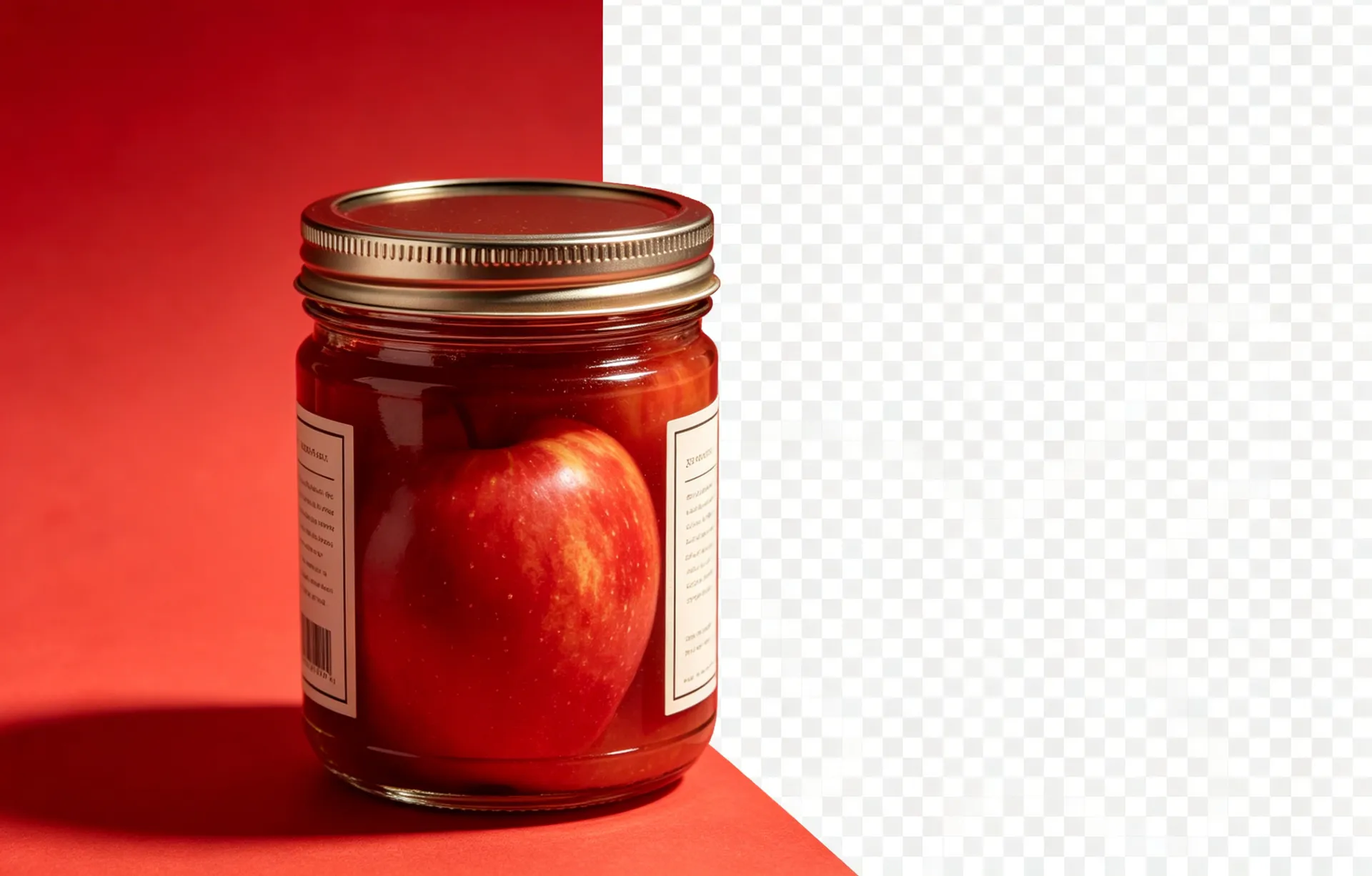
An image mask is a separate channel — usually stored as the alpha channel of a PNG or as a dedicated layer in PSD — that determines the opacity of each pixel in the final image. A pixel with a mask value of 0 is fully transparent, 255 is fully opaque, and anything in between is partially see-through. The mask is what makes a flyaway hair edge look natural, what makes a glass effect look like glass, and what makes a logo composite onto any background.
Read on
Most commonly as the alpha channel of a 32-bit PNG. Also as a dedicated layer in PSD files, as a separate file (mask.png) alongside the main image, or as a CSS mask-image in web design.
Read on
A binary mask is either 0 or 255 — fully transparent or fully opaque, with a hard edge. A soft mask uses intermediate values (50, 128, 200) to create a gradient of transparency, which is what makes a flyaway hair edge look natural.
Read on
Modern AI background removers output a per-pixel mask, then convert it to the alpha channel of a 32-bit PNG. The mask can be edited in Photoshop (or any image editor that supports alpha) to refine specific regions.
Read on
Cut out the subject, save the transparent PNG, drop it onto any background. To refine a rough edge, paint the alpha channel with a soft brush in Photoshop. To composite multiple subjects, layer the transparent PNGs and adjust the alpha of each layer.
A binary mask is either 0 or 255 — hard edge, no in-between. A soft mask uses intermediate values (50, 128, 200) to create a gradient of transparency, which is what makes a flyaway hair edge look natural. Most modern AI tools output soft masks by default.
Continue learning
What is an Alpha Channel?
The technical deep-dive on the alpha channel.
What is RGBA?
The four-channel colour model that includes the alpha channel.
How AI Background Removers Actually Work
A non-technical explanation of the segmentation models behind the tool.
Apply this to your workflow
BGRemover turns the technical parts of background removal into a single click. Open the workspace and see the difference.