
RGBA
A colour model that adds an Alpha channel to the standard RGB colour space to represent transparency.
RGBA is the four-channel colour model used by every modern background-removal pipeline. RGB stores the colour information (red, green, blue) and A stores the alpha (transparency). When a designer says 'this PNG is 32-bit RGBA', they mean each pixel has 8 bits for red, green, blue, and 8 bits for alpha — a total of 32 bits per pixel.
Loading upload service...
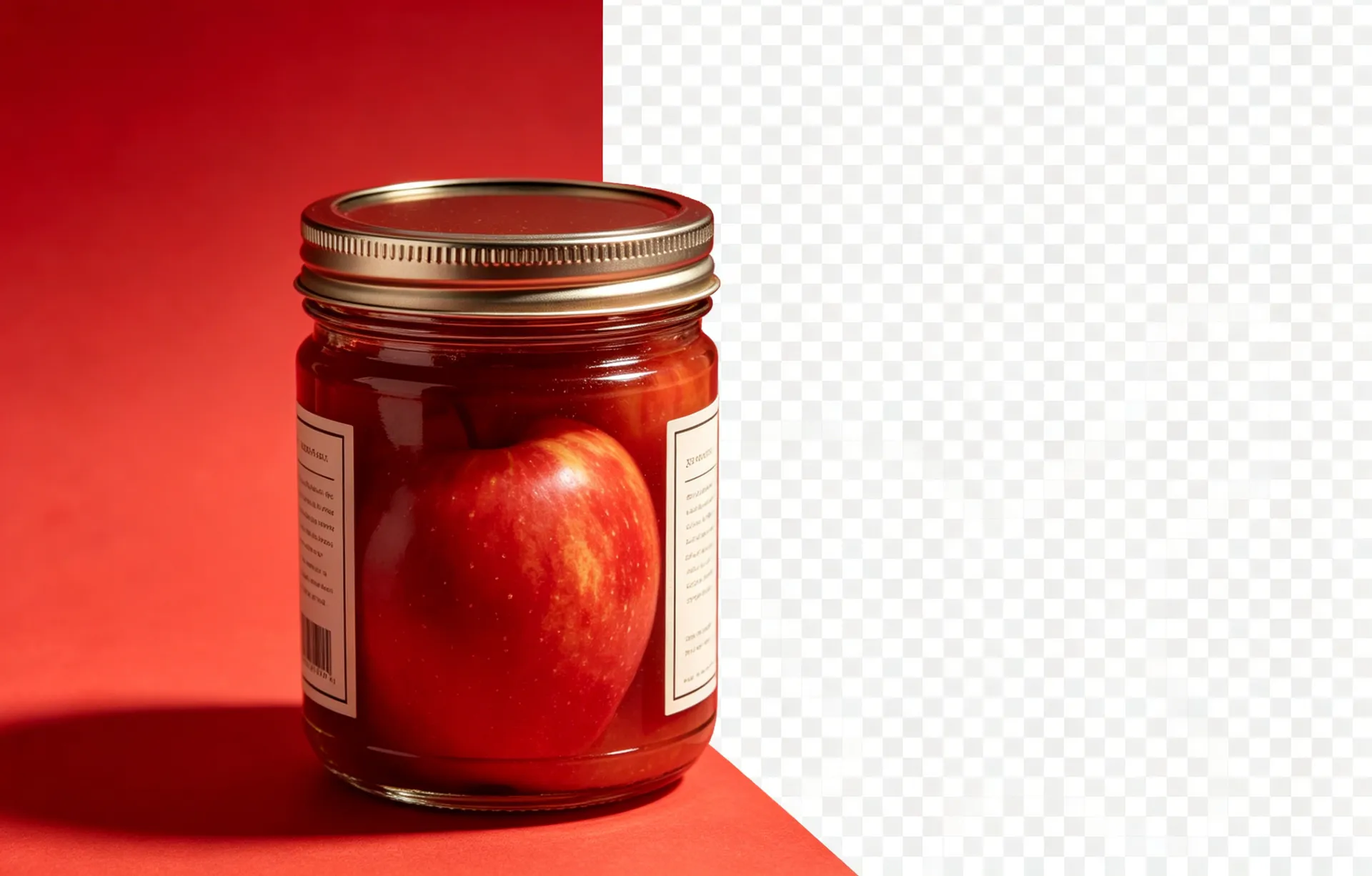
RGBA is the four-channel colour model used by every modern background-removal pipeline. RGB stores the colour information (red, green, blue) and A stores the alpha (transparency). When a designer says 'this PNG is 32-bit RGBA', they mean each pixel has 8 bits for red, green, blue, and 8 bits for alpha — a total of 32 bits per pixel. The model is the de facto standard for any image that needs transparency.
Read on
RGB has three channels (red, green, blue) and every pixel is fully opaque. RGBA has four channels (red, green, blue, alpha) and supports per-pixel transparency. For web and design, RGBA is the default for any image that needs transparency.
Read on
In CSS, rgba(255, 255, 255, 0.5) is a 50% opaque white. The alpha value is between 0 (fully transparent) and 1 (fully opaque). Older CSS uses the 'opacity' property on a separate element; modern CSS prefers rgba() or hsla() for per-pixel control.
Read on
32-bit PNG uses RGBA. WebP uses RGBA. JPG does not (it is RGB only). PSD supports RGBA per layer. When exporting a transparent image, always pick a format that supports RGBA or the alpha is discarded.
Read on
RGBA images are 33% larger than equivalent RGB images (4 channels vs 3). For most web and design work, the trade-off is worth it for the transparency. For high-resolution photographs that do not need transparency, JPG or RGB-only PNG is smaller.
RGBA = Red, Green, Blue, Alpha — the four 8-bit channels that make a 32-bit image. RGB-only (no alpha) is 24-bit.
Continue learning
What is an Alpha Channel?
The technical deep-dive on the alpha channel.
What is a Transparent PNG?
The full glossary entry on PNG with alpha channel.
PNG vs JPG vs WebP
Format-by-format breakdown for the web, print, and product photos.
Apply this to your workflow
BGRemover turns the technical parts of background removal into a single click. Open the workspace and see the difference.