
Background Removal Use Cases for Photos
Pick the task you want to finish, then enter the matching workflow.
BGRemover covers passport photos, product photos, sticker cutouts, and short video background removal. Core background removal stays in the workspace, so it no longer appears as a duplicate menu item.
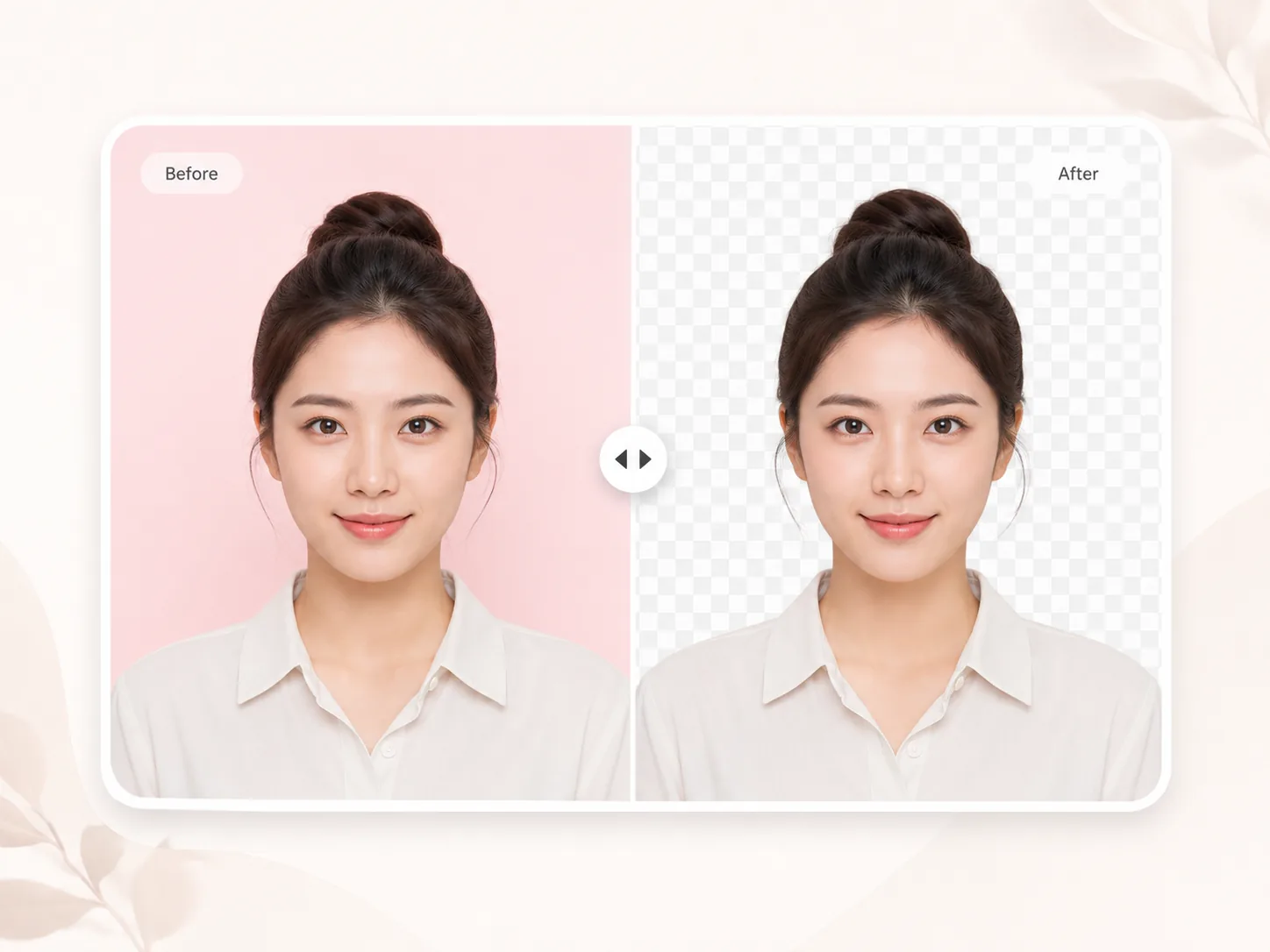
Passport photo maker
Remove the background, change background color, and crop to common passport, visa, ID, and resume photo sizes.
Make passport photo →
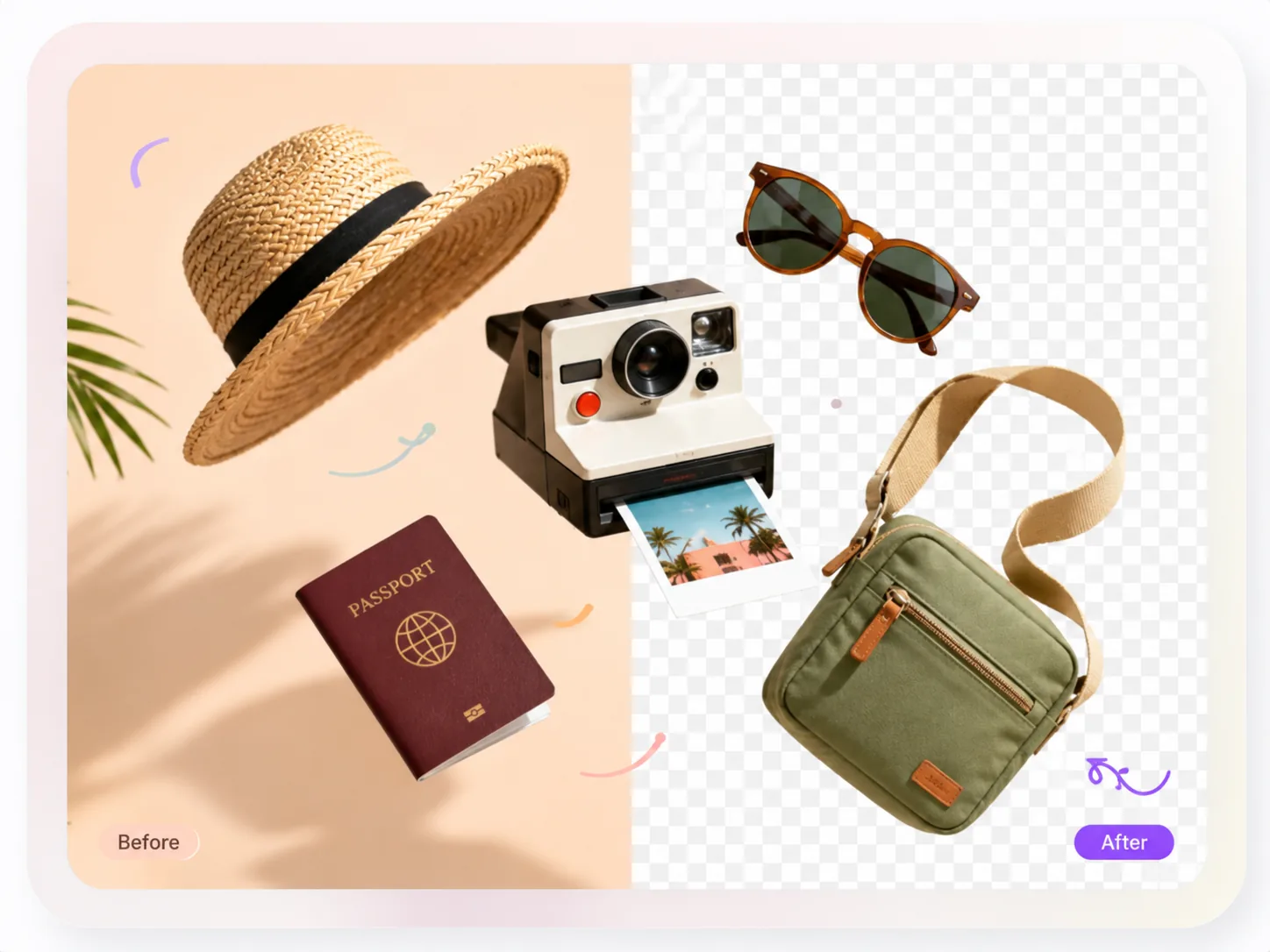
Product photo
Create white-background or transparent product photos for Amazon, Shopify, eBay, and Etsy.
Make product photo →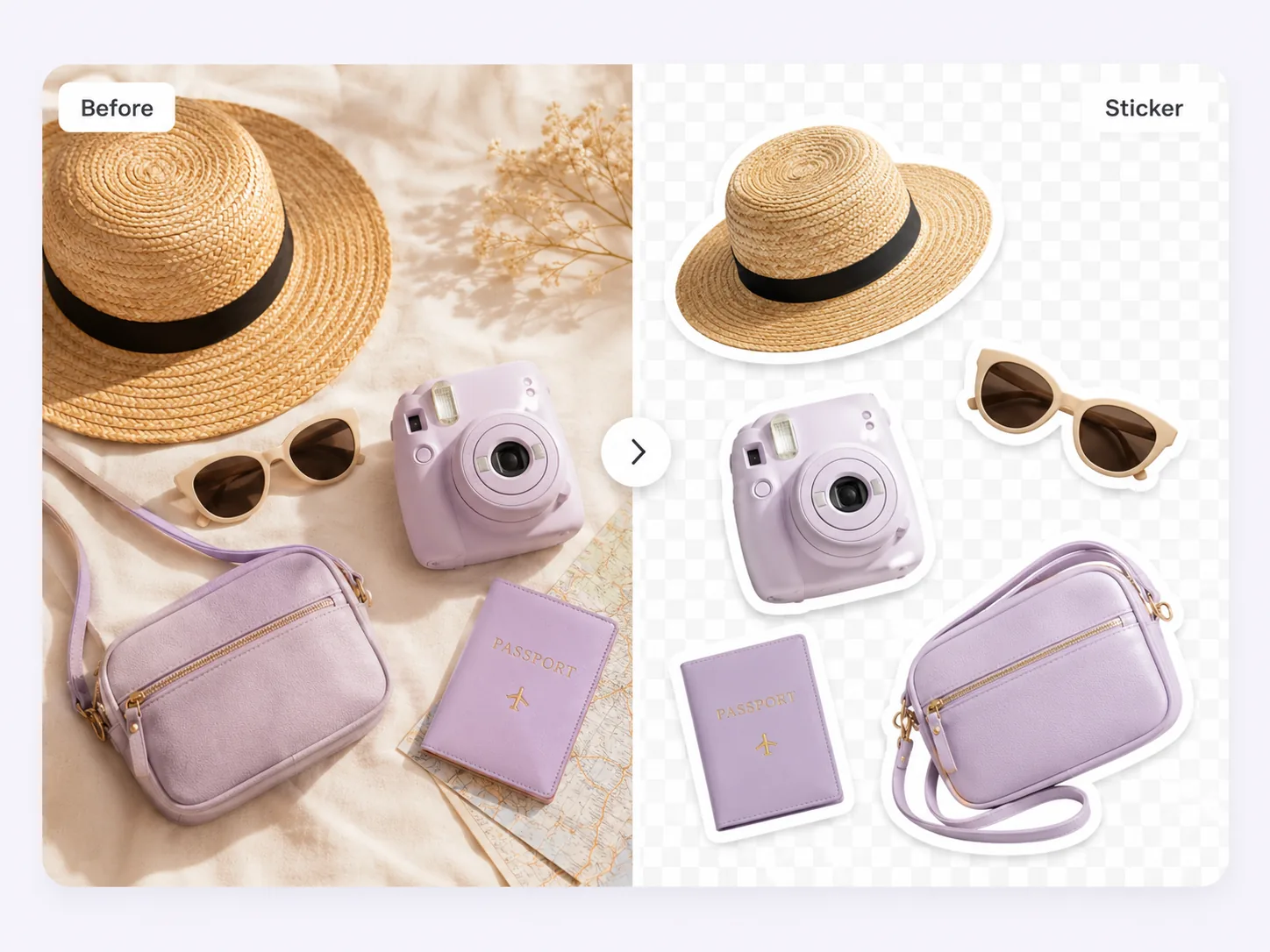
Sticker cutouts
Turn people, pets, or products into transparent PNG stickers with a crisp white outline for social posts, chat apps, thumbnails, and design assets.
Make sticker cutouts →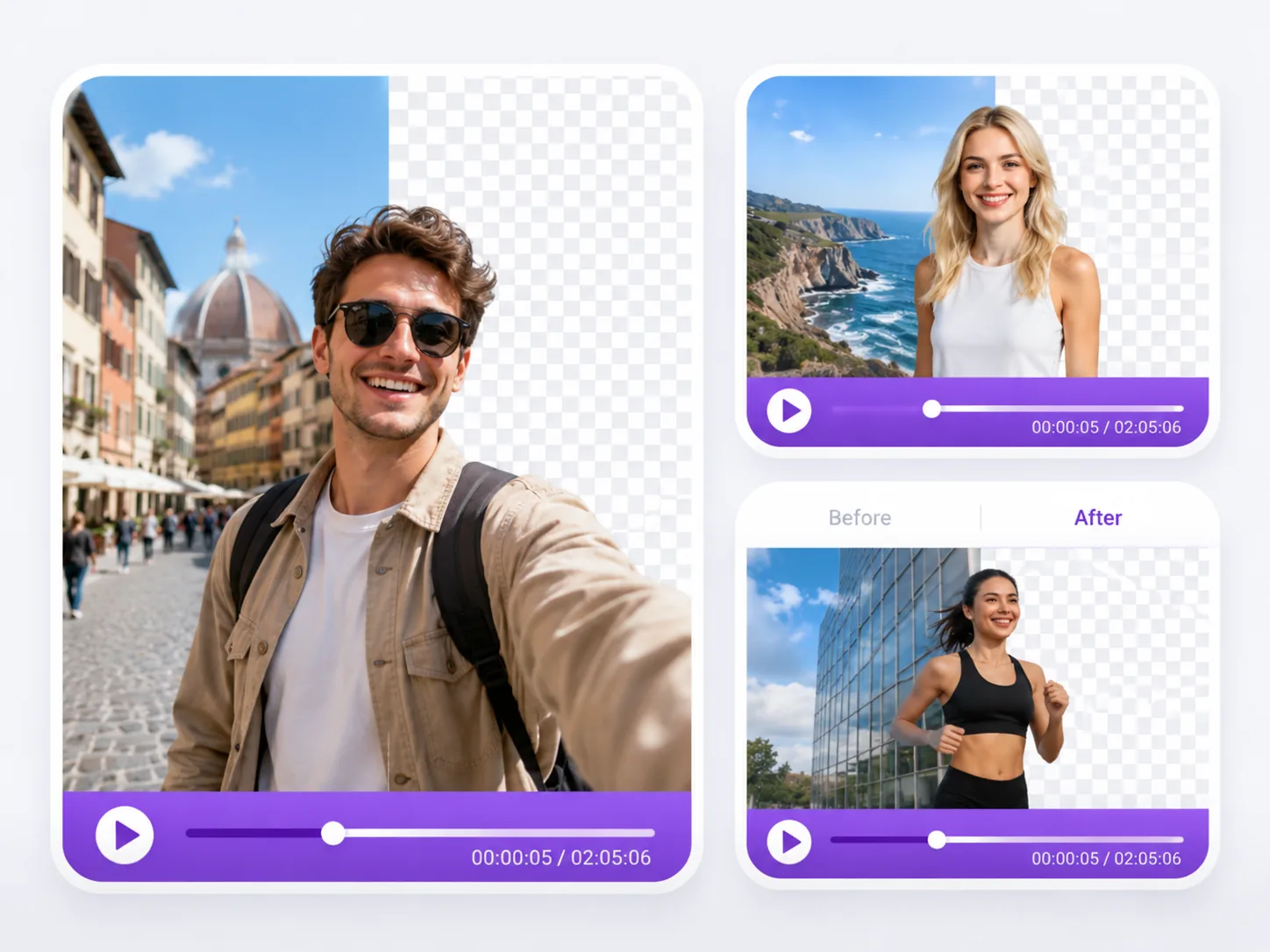
Video background remover
Remove or replace the background from short clips for social posts, product reels, profile videos, and creator assets.
Remove video background →Core background removal capabilities
Use cases share the same AI cutout workflow, then branch into the right export target for each job.
Transparent PNG output
Export cutouts with an alpha channel for stickers, product overlays, presentation assets, and design files.
White or color backgrounds
Switch from transparent output to marketplace-ready white backgrounds, passport colors, or branded backgrounds.
Edge quality checks
Review hair, fabric, glass, shadows, and product edges before using the result in listings or print designs.
Files, quality, and limits
Use a clear JPG, PNG, or WebP source image when possible. Higher-resolution input gives the AI model more edge detail to preserve, especially around hair, fur, transparent products, and small accessories.
Background removal works best when the subject is visible and separated from the background. Low-light photos, heavy motion blur, cropped-off subjects, and background colors that match the subject can require manual review before the result is ready for commerce or print.
For private or client assets, review the privacy policy before upload and avoid sending files that contain sensitive personal data unless the workflow is appropriate for that use.
Background removal use case FAQ
Quick answers for choosing the right workflow.
- Start with the workflow closest to the final output: passport photo for ID crops, product photo for marketplace images, sticker cutouts for transparent PNG assets, and the workspace for general background removal.
- Yes. Remove the background once, then choose the export background that fits the platform or design task.
- Source image clarity, subject-background contrast, motion blur, and fine edge details such as hair, fur, glass, or jewelry have the biggest effect on the final cutout.
Just need to process one file?
Start with a public workflow, upload an image, and choose transparent, white, or another output background.