
Background Remover for Website Images
Remove backgrounds from products, people, and brand visuals for website heroes, scroll effects, and storefront pages.
Loading AI tools...
Upload a product, founder portrait, mascot, model shot, or campaign visual. BGRemover removes the background and exports a clean transparent asset that designers and developers can layer into Webflow builds, Shopify storefronts, parallax sections, hover states, and custom animation timelines.
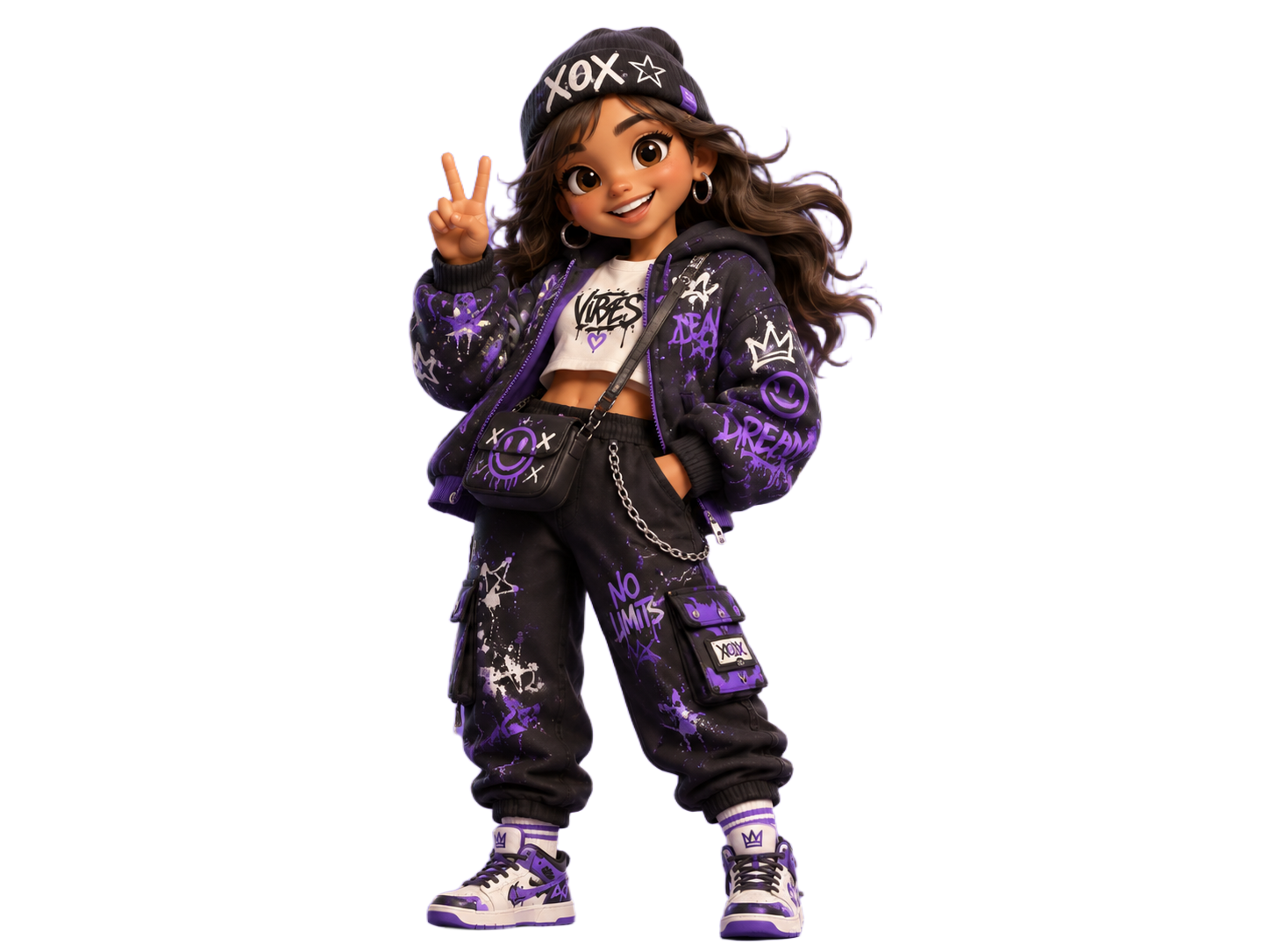

Turn one background-free cutout into a moving website scene
After the background is removed, the subject stays independent from the page design, so teams can swap colors, layer oversized type, and animate each product, person, or mascot like a real campaign asset.
Web hero figurines
Use a clean cutout over a flat campaign color, then let the subject overlap oversized typography.


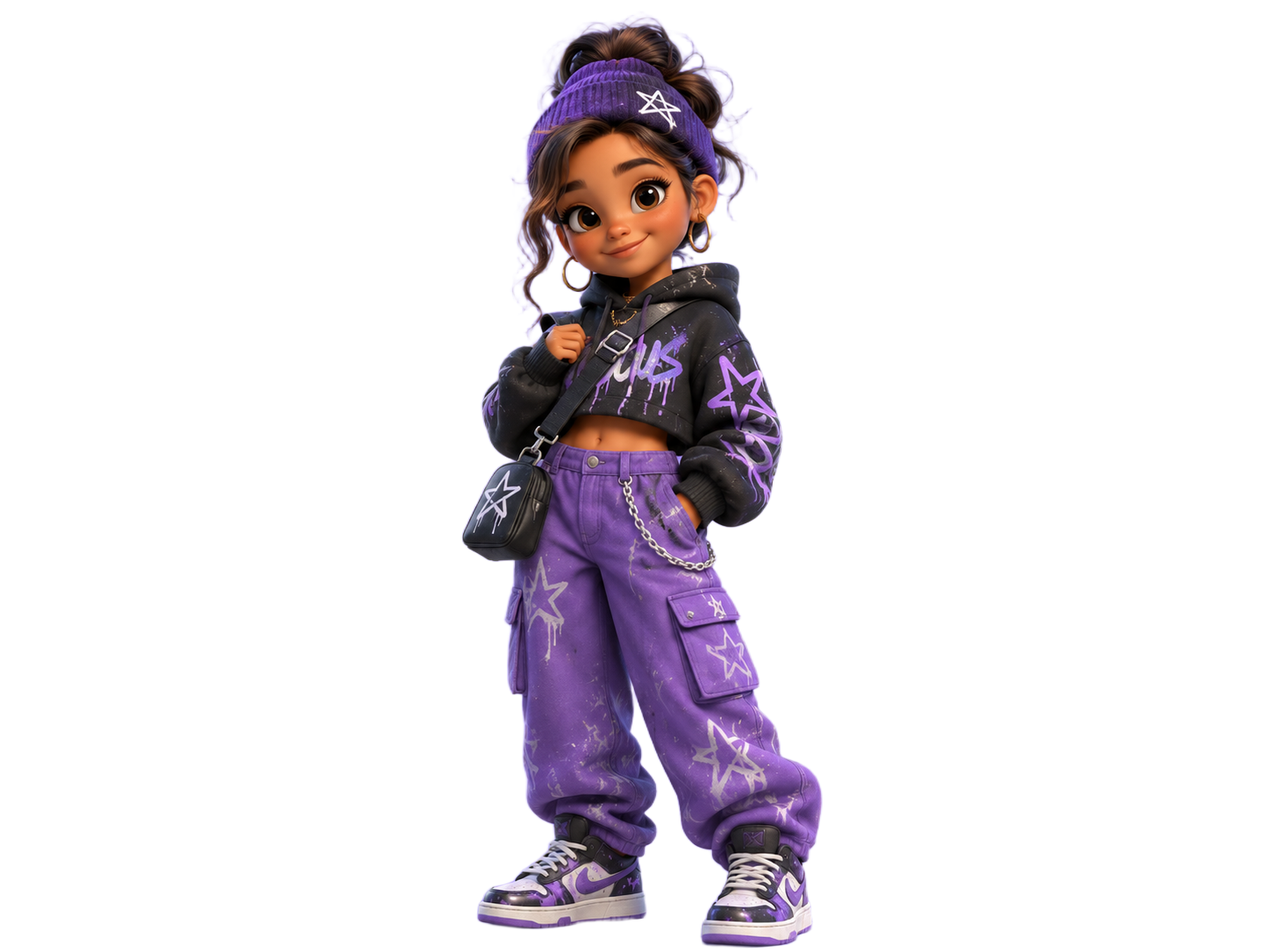


Background removal built for real website motion
Website-ready transparent output
Keep the alpha channel so the subject can sit over gradients, videos, canvas scenes, WebGL layers, or product-page backgrounds.
Clear subject focus
Keep the product, person, or hero object visually isolated so animation does not carry background clutter into the final page.
Developer-ready assets
Use the same cutout in hero sections, scroll reveals, hover cards, ecommerce modules, social previews, and launch pages.
When website teams need background removal
Independent brands often need a background-free subject before the design system is finished: a product floating over a sticky hero, a founder portrait moving with scroll, a mascot crossing a section, or a campaign visual layered above typography. Removing the background first gives the frontend team a clean website asset that can move without repainting the original photo.
For best results, start with a high-resolution photo where the subject has visible edges and enough contrast from the background. Export PNG while the website asset still needs transparency; export WebP or JPG only after the final composition no longer needs an alpha channel.
How to remove a background for a website asset
Upload the hero subject
Choose the product, person, object, or brand character that should move independently from the page background.
Remove the background and export transparency
Remove the background and keep the alpha channel so the asset can be layered in CSS, Webflow, Shopify, or a custom frontend.
Place it in the animation
Use the cutout in scroll reveals, parallax scenes, sticky sections, hover states, product cards, or launch-page hero motion.
Build the asset pipeline
How to Create a Transparent PNG
The basic transparent PNG workflow, from upload to alpha-channel export.
What is Transparent PNG
Learn why transparent PNG files work for overlays, UI assets, and web design.
Product Photo
Create product cutouts for ecommerce grids, marketplace images, and storefront modules.
Website background remover FAQ
Common questions before sending files to design or development.
- Removing the original background lets the subject move over page backgrounds, gradients, videos, and scroll scenes without a visible rectangle. PNG is useful while the cutout is reusable; after the final composition is fixed, developers can convert it to WebP or AVIF.
- Use clear, high-resolution images where the subject has visible edges and enough contrast from the background. This matters for hair, hands, product straps, wheels, glass, and other fine details.
- Yes. Download the transparent PNG, then place it into your website builder or codebase as a normal image asset. Developers can later convert the final composition to WebP or AVIF if transparency is no longer needed.
Remove a background for your website
Upload a subject image, remove the background, and export a clean website asset for your next landing page.