What a product photo maker actually does
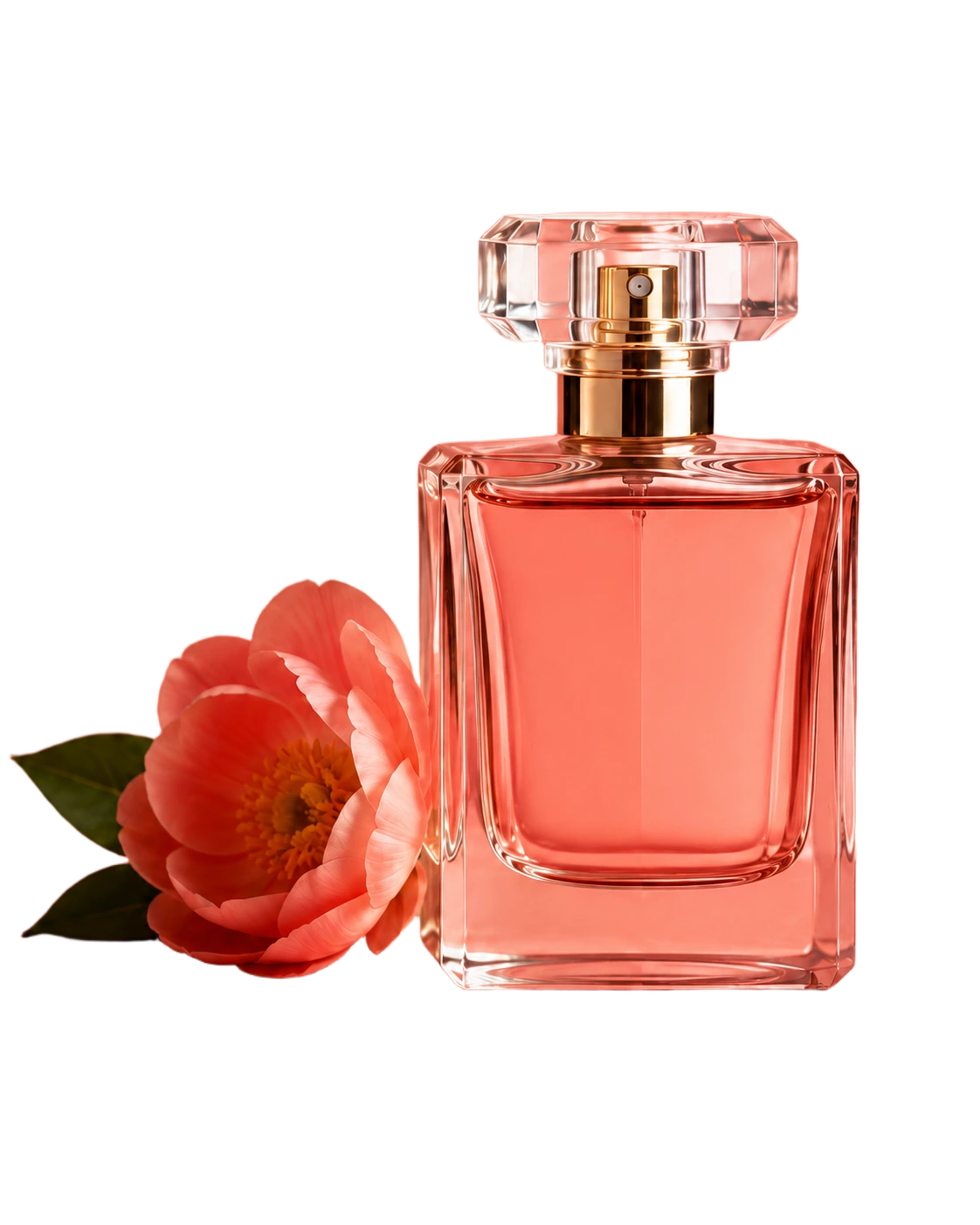
A product photo maker is the workflow between the raw product shot and the final ecommerce image. BGRemover handles the background-removal step, then lets you export a clean white background for marketplaces, a transparent PNG for design layouts, or a brand-color background for ads and storefront banners.
| Input problem | Product photo maker fix | Result |
|---|---|---|
| Busy room or desk background | Remove background with AI | Clean product cutout |
| Different backgrounds across SKUs | Apply the same white or brand background | Consistent product grid |
| Need product angles for 360 view | Process every frame with the same settings | Cleaner rotation sequence |
| Need ads and marketplace images | Keep a transparent master PNG | Reusable product asset |
How to make product photos look professional
Backdrop, light box, or product photo booth?
A simple backdrop works when the product has a clear edge and you only need a few images. A light box helps small items by controlling reflections and shadows. A product photo booth is useful when you shoot many SKUs or repeat the same setup every week. AI background removal still helps after the shoot because it standardizes the final output.
Preparing 360 product photo frames
A 360 product photo needs consistency more than one perfect frame. Shoot the product from a fixed center point, process each frame with the same background settings, and export every image at the same dimensions. BGRemover does not create the interactive 360 viewer, but it can prepare the clean frames that a viewer needs.