
How to Make a Cutout Sticker Online
Remove the background, add an outline, export PNG.
Use BGRemover as a cutout sticker maker online free: upload a person, pet, product, or object photo, remove the background, add a sticker outline, and export a transparent PNG.
Loading sticker maker...
To make a cutout sticker, start with a clear photo, remove the background, keep the output transparent, add a visible outline, and export as PNG. The same workflow works for social stickers, chat stickers, face cutouts on sticks, product badges, and creator thumbnails.
Make a cutout sticker in 4 steps
- 01
Choose a clear photo
Use a subject with visible edges. People, pets, products, toys, drawings, and faces all work well.
- 02
Remove the background
Upload the image to BGRemover and create a transparent subject cutout.
- 03
Add a sticker outline
Use a white outline for general stickers or a brand-color outline for thumbnails and campaigns.
- 04
Download PNG
Export a transparent PNG so the sticker can sit on chat, social, print, and design backgrounds.
Sticker output
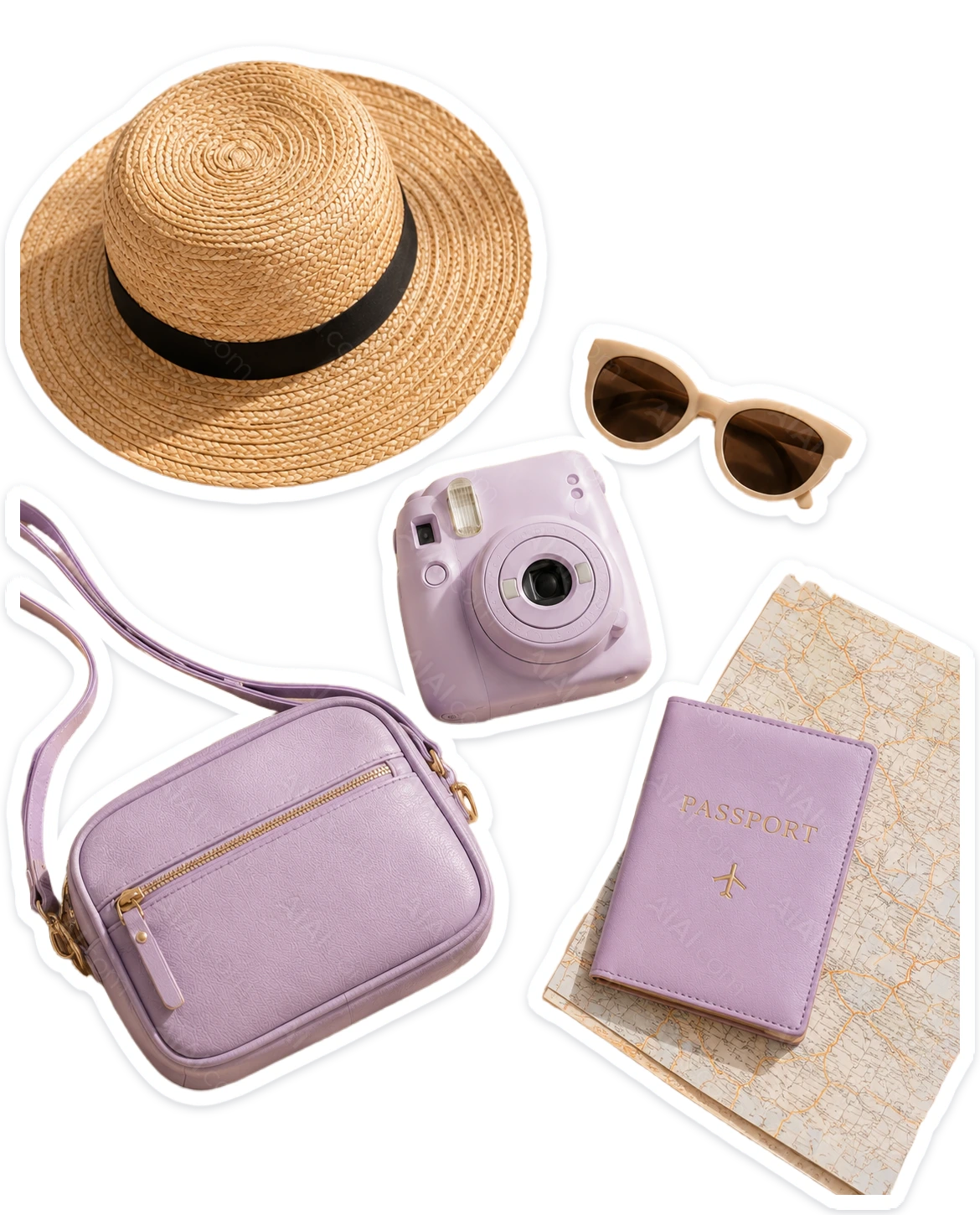
Best sticker settings
| Sticker use | Outline | Export |
|---|---|---|
| Chat sticker | Medium white outline | Transparent PNG |
| Creator thumbnail | Brand-color outline | PNG over designed background |
| Product badge | Thin outline or no outline | Transparent PNG |
| Face cutout on sticks | Thick white outline | High-resolution PNG for print |
What photos work best?
- The whole subject is visible and not cropped off.
- The subject is sharper than the background.
- Hair, fur, and thin parts are not motion blurred.
- The background color does not match the subject edge.
- There is enough padding around the subject for a sticker outline.
Continue with sticker workflows
Cutout sticker maker FAQ
Quick answers before you download.
- Yes. Use BGRemover to remove the background, keep transparency, add an outline, and export a transparent PNG sticker.
- Use PNG for sticker cutouts because PNG supports transparency. JPG will add a fixed background behind the sticker.
- Yes. Use a clear face or person photo, create a cutout sticker, export a high-resolution PNG, then print and mount it for events or photo props.
- Yes. Download the transparent PNG and import it into your design, social, or video editing tool.
Make your first cutout sticker
Upload a photo, remove the background, add an outline, and download a transparent PNG.