
01
AI background removal
Remove busy, indoor, outdoor, or patterned backgrounds in seconds while keeping the subject clean.
AI-powered background removal · Transparent PNG · Clean sticker outline
Loading upload service...
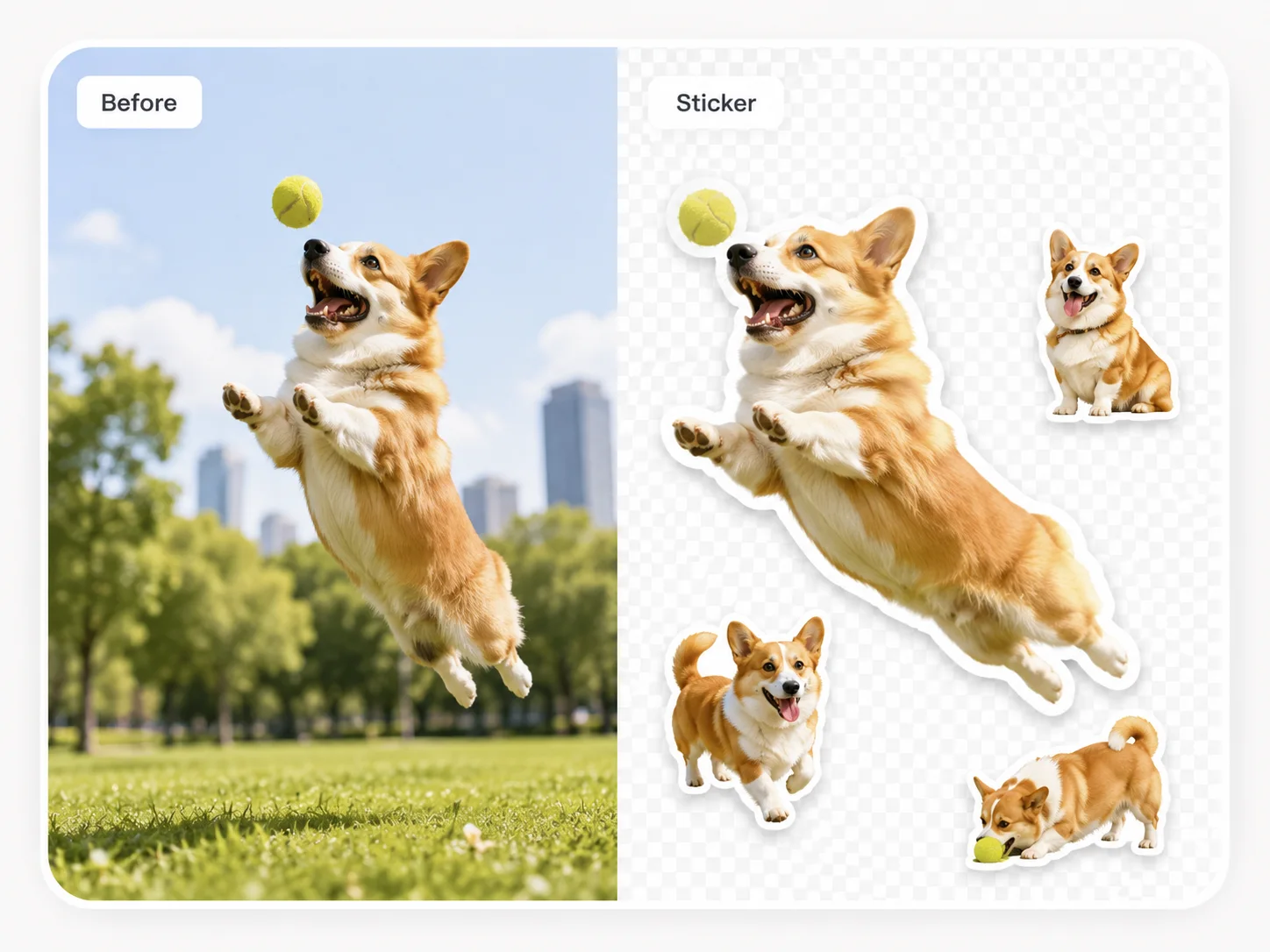
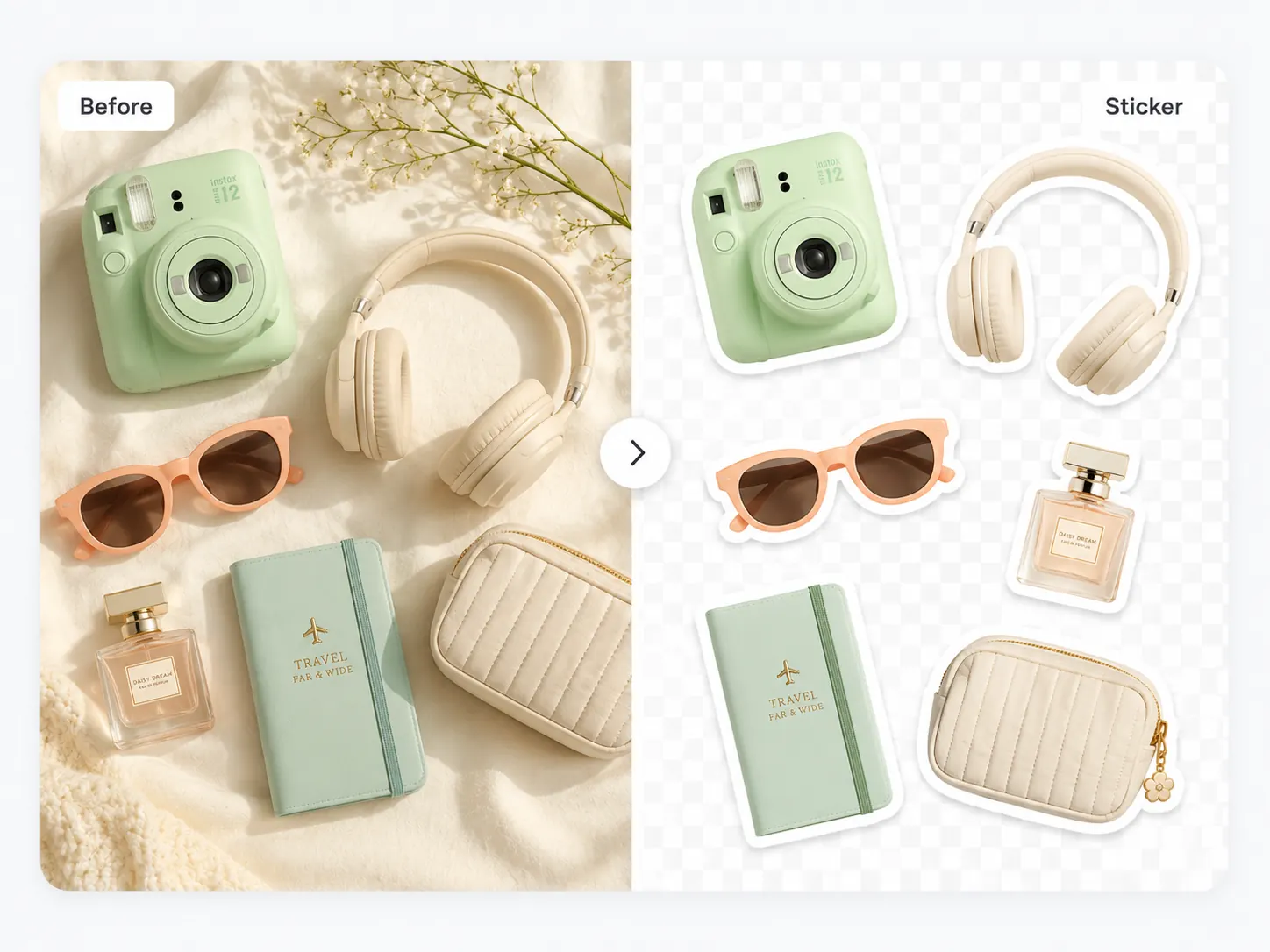
Upload a portrait, pet, product, or object photo. Use BGRemover as a cutout sticker maker online free: remove the background, add a crisp outline, and export a transparent PNG sticker for social posts, chat apps, thumbnails, and design files.
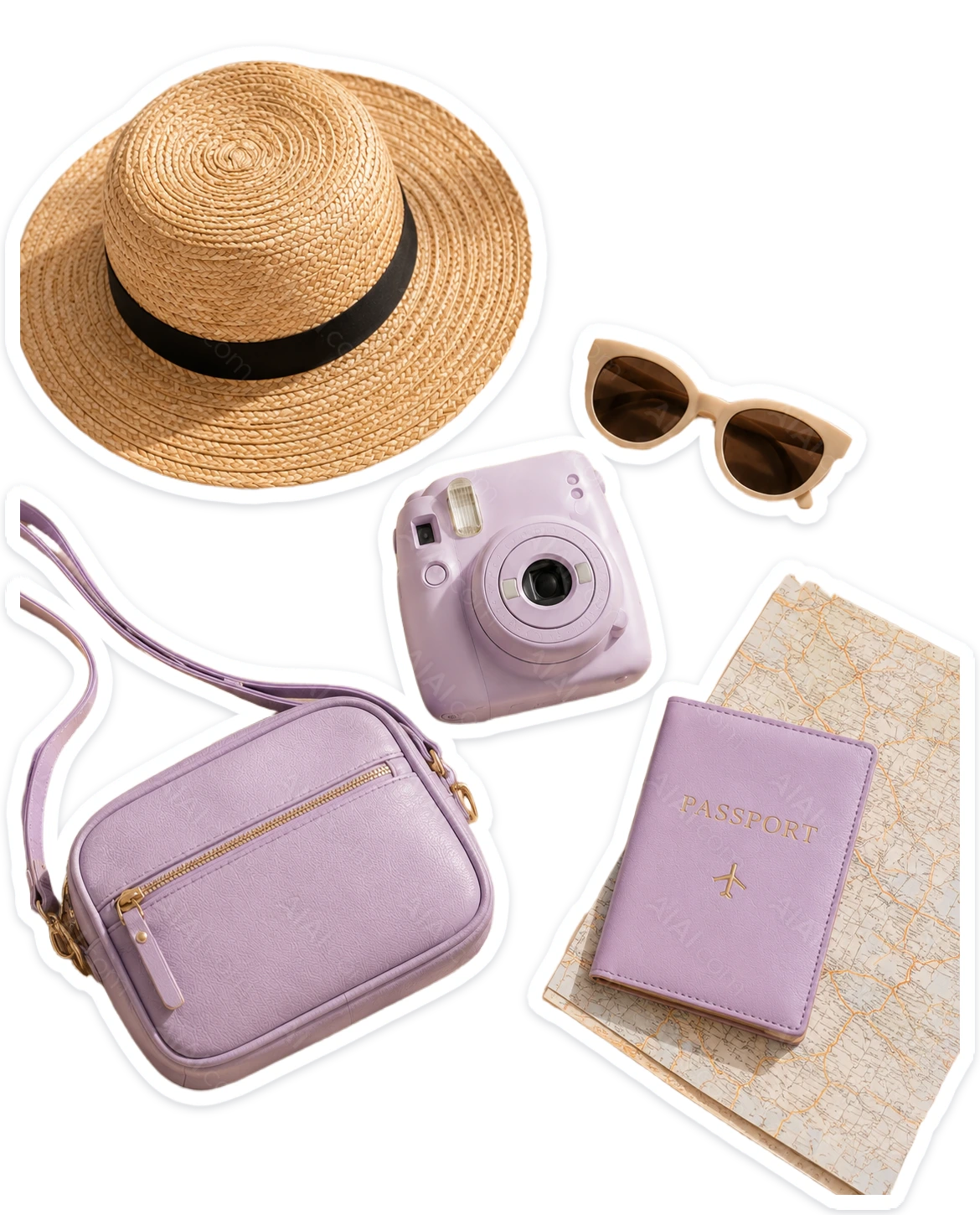
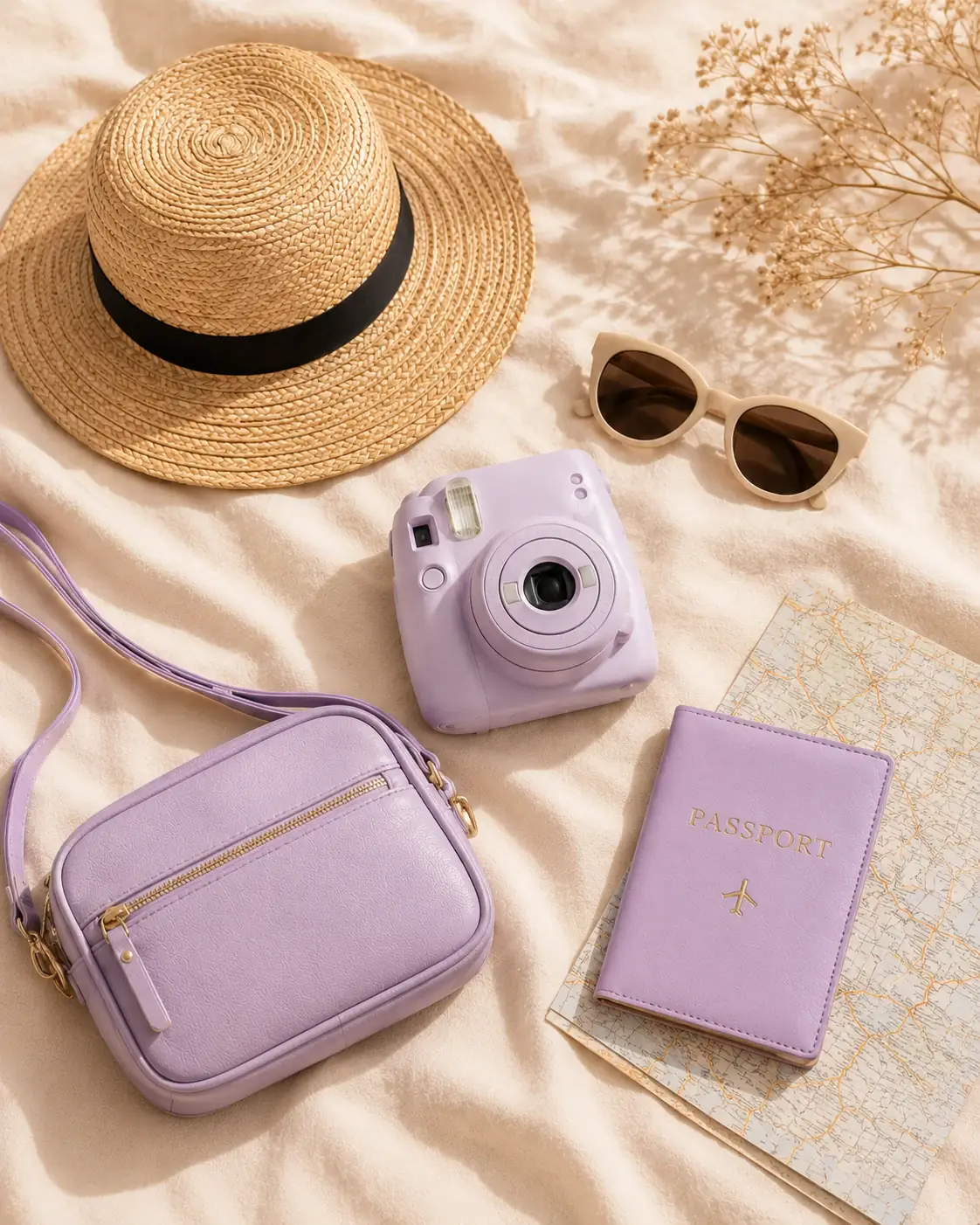
Remove busy, indoor, outdoor, or patterned backgrounds in seconds while keeping the subject clean.
Download assets with an alpha channel so you can make a cutout sticker that sits cleanly on chat, social, shop, and design backgrounds.
Use the workspace outline control to add a white or brand-color stroke around the cutout before export.
Make profile stickers, pet stickers, product badges, reaction images, and creator thumbnails from one workflow.
Create clean sticker assets directly in the browser without Photoshop, Figma, or manual pen-tool work.
Upload an image, preview the cutout, tune the outline, and download the result without a complex setup.
Use a photo of a person, pet, product, drawing, or object. Clear subject edges give the best result.
BGRemover creates a transparent cutout. Keep the background transparent for PNG sticker use.
Enable sticker outline in the workspace, adjust size and color, then export the final PNG.
| Use case | Recommended output | Tip |
|---|---|---|
| Chat stickers | Transparent PNG with white outline | Use a thicker outline so the sticker reads on dark and light chat themes. |
| Creator thumbnails | PNG cutout with brand-color outline | Match the outline to your channel color for consistent thumbnails. |
| Product badges | Transparent PNG | Keep the product edge sharp and use a subtle outline only when needed. |
| Social posts | PNG sticker over a designed background | Export transparent, then place the cutout over your post layout. |
For sticker-style exports, start with a transparent background, then turn on the outline control in the workspace. White outlines work best for general stickers; brand colors work better for campaign or thumbnail assets.
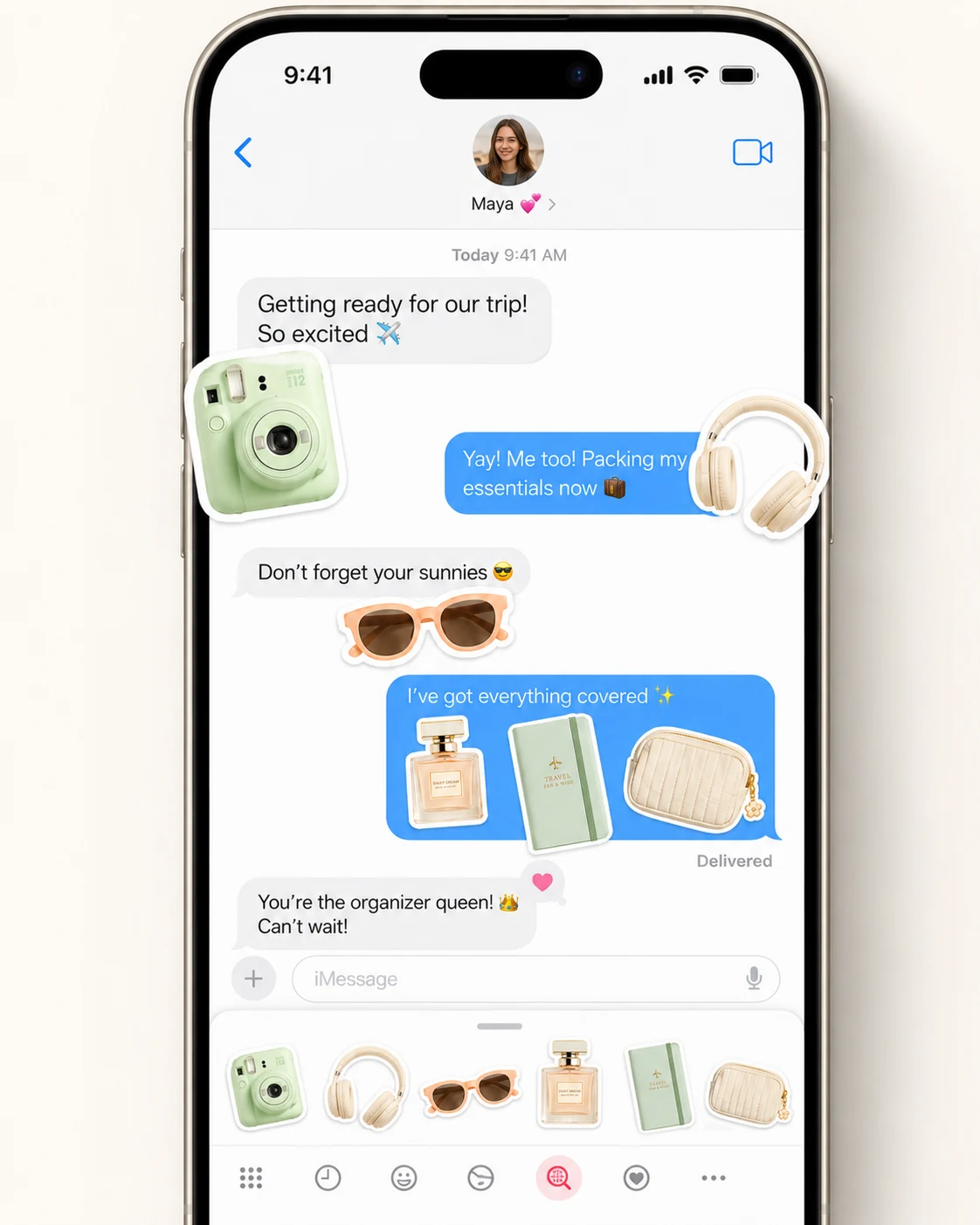
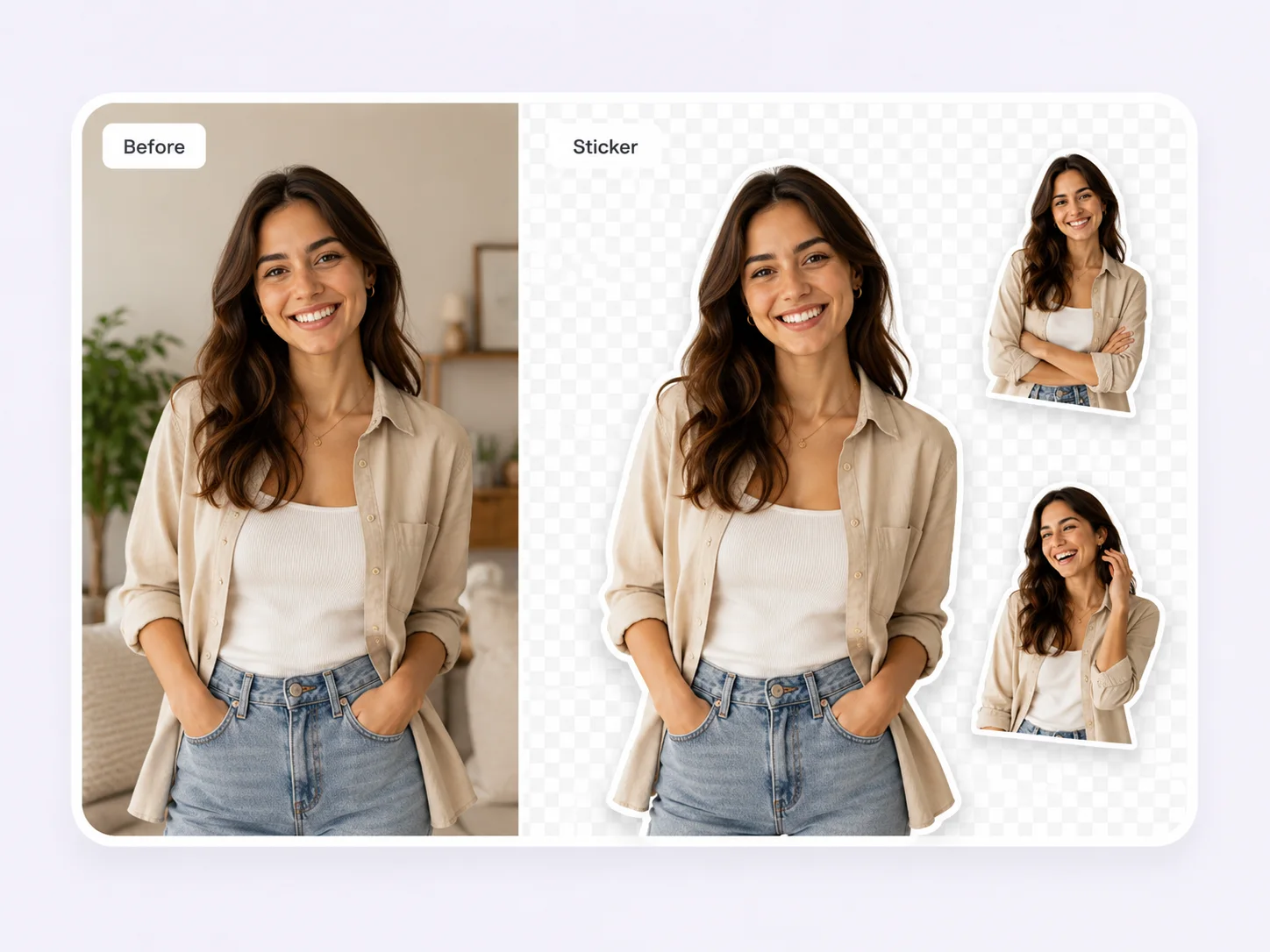
Everything you need before you start
Remove the background, keep transparency, add an outline, and export a clean PNG.