
01
Fur-aware edges
Retain soft fur, whiskers, pointed ears, and fluffy tails without manual masking.
Fur-friendly cutouts · Transparent PNG · Clean sticker outline
Loading upload service...
Upload a dog, cat, rabbit, or other pet photo. BGRemover removes the scene while keeping the pet's pose and fur detail, ready for chats, sticker packs, social posts, and keepsake designs.
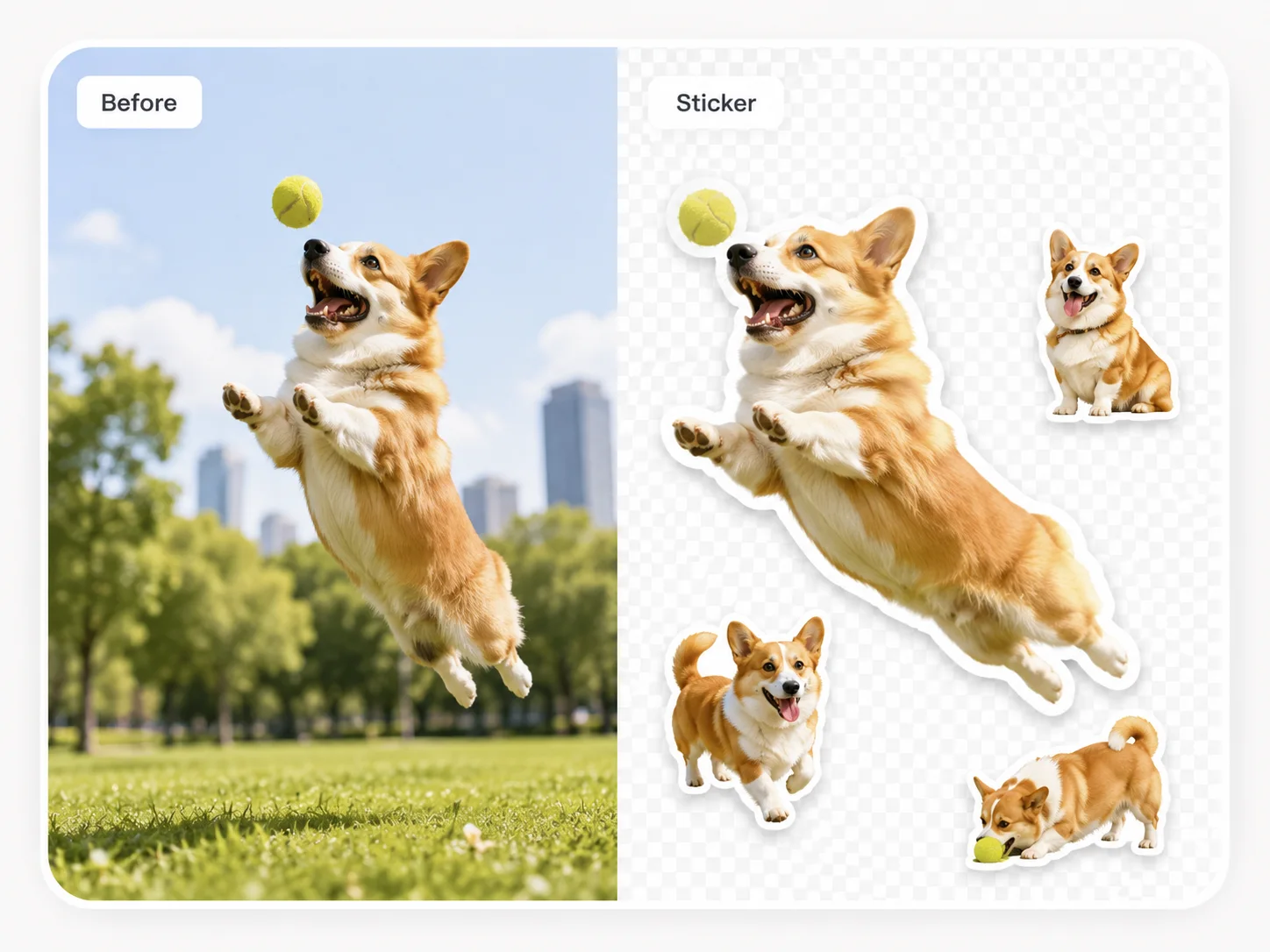
Retain soft fur, whiskers, pointed ears, and fluffy tails without manual masking.
Turn sitting, running, jumping, and playful pet photos into clear sticker assets.
Export transparent PNG files with a consistent white or colored outline.
Choose a sharp pet photo with the full pose visible and enough contrast around fur and whiskers.
Let the AI remove the room, park, blanket, or other background, then review ears, paws, and tail.
Keep transparency, add an outline that separates the fur from any background, and download PNG.
| Use | Recommended output | What to check |
|---|---|---|
| Chat and reaction stickers | Tight transparent PNG with a white outline | Use an expressive pose that remains readable at a small size. |
| Pet social accounts | Full-body PNG with a consistent brand outline | Keep favorite toys or props only when they support the pose. |
| Keepsakes and print | High-resolution PNG with a thicker outline | Check whiskers, ear tips, paws, and tail before printing. |
Pet cutouts work best when the fur color does not blend into the background. A sharp outdoor or window-lit photo usually preserves more whisker and fur detail than a dark, blurred indoor photo.
Practical details before you upload
Upload a pet photo, preserve the fur and pose, add an outline, and export a transparent PNG.