
01
Hair-aware cutouts
Preserve curls, loose strands, and soft hair edges without tracing them by hand.
Clean hair edges · Transparent PNG · Custom sticker outline
Loading upload service...
Upload a portrait, reaction shot, or full-body photo. BGRemover isolates the person so you can add a crisp outline and reuse the transparent sticker in chats, thumbnails, social posts, and event designs.
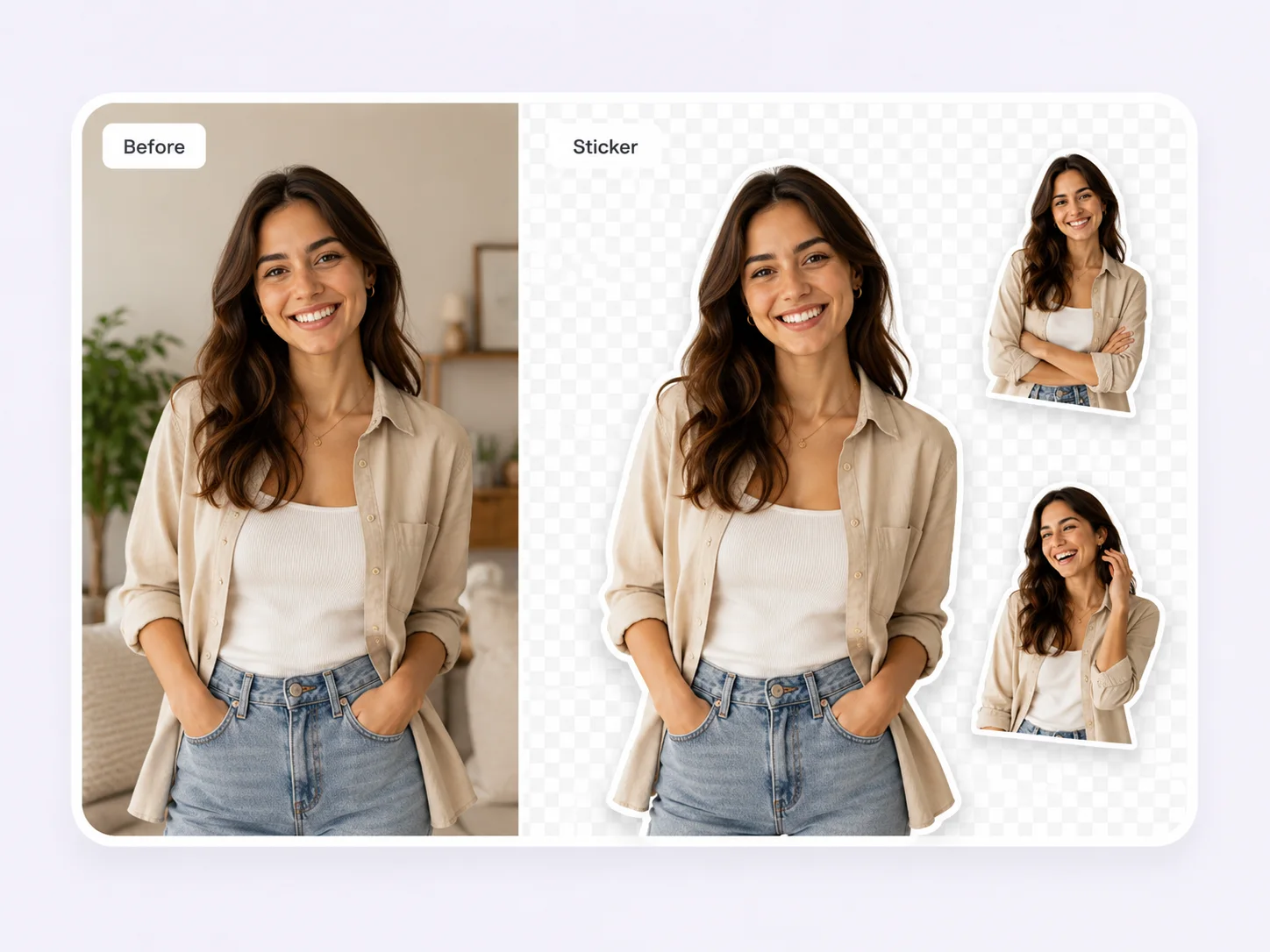
Preserve curls, loose strands, and soft hair edges without tracing them by hand.
Create face, half-body, reaction, and full-body stickers from the same workflow.
Add a white or brand-color outline, then place the sticker on any layout.
Choose a sharp photo where the face, hair, hands, and body are not heavily blurred or cropped.
Let the AI isolate the person, then review hair, fingers, glasses, and clothing edges.
Keep the background transparent, choose an outline color and thickness, then download PNG.
| Use | Recommended output | What to check |
|---|---|---|
| Chat and reaction stickers | Transparent PNG with a medium white outline | Crop tightly enough for the expression to read at a small size. |
| Thumbnails and social posts | Full or half-body PNG with a brand-color outline | Keep hands and props when they help tell the story. |
| Party props and print | High-resolution PNG with a thicker outline | Use a sharp front-facing photo and leave room around hair. |
For the cleanest person sticker, use a well-lit image with visible separation between the subject and background. Review hair, glasses, jewelry, fingers, and clothing before export, because these fine edges matter most once a bold outline is added.
Practical details before you upload
Upload a photo, remove the background, add an outline, and export a reusable transparent PNG.