
01
Precise product cutouts
Remove distracting surroundings while preserving product edges, handles, fabric, and reflective details.
Create cleaner product images for Etsy listings.
Loading upload service...
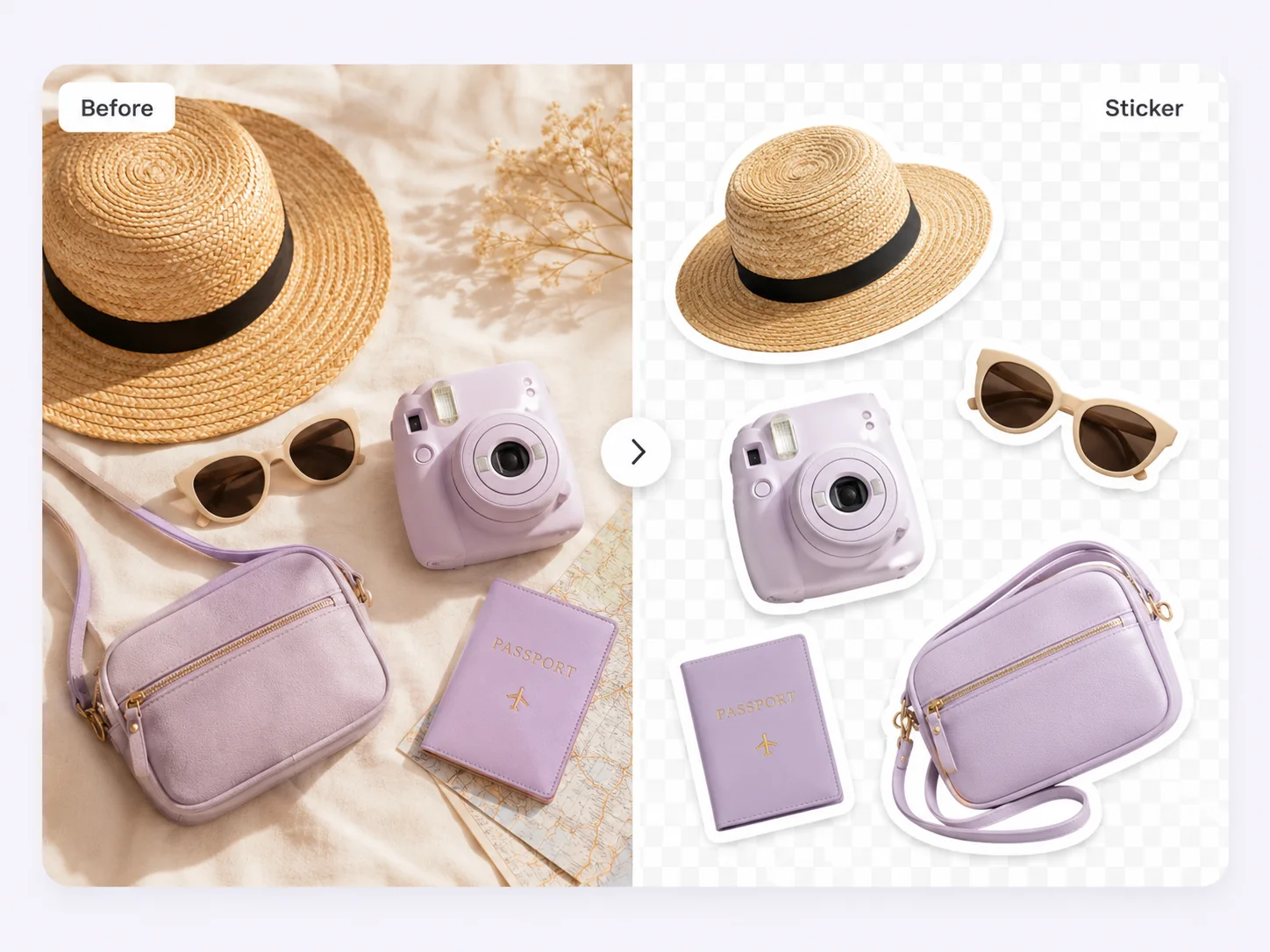
Start with one clean cutout, then choose the background and crop that match the listing.
Remove distracting surroundings while preserving product edges, handles, fabric, and reflective details.
Export a white-background listing image or a transparent PNG for reuse across channels.
Keep product scale, spacing, and presentation consistent across Etsy listings.
Etsy emphasizes original photos that accurately represent the item. Use background cleanup to reduce distractions, not to replace the real product or hide its condition.
Review the current Etsy image policy before publishing because marketplace requirements can change by category and region.
Practical answers before you publish a listing.
Upload a product photo, remove the background, and export the version you need.