
01
AI Background Removal
Removes any background instantly. Works on photos against white walls, colored backgrounds, or cluttered environments.
AI-powered · White background · E-commerce ready
Loading upload service...
Upload any product photo. This AI product photo maker removes the background, adds a clean white backdrop, and helps make product photos look professional for Amazon, eBay, Shopify, and ads.
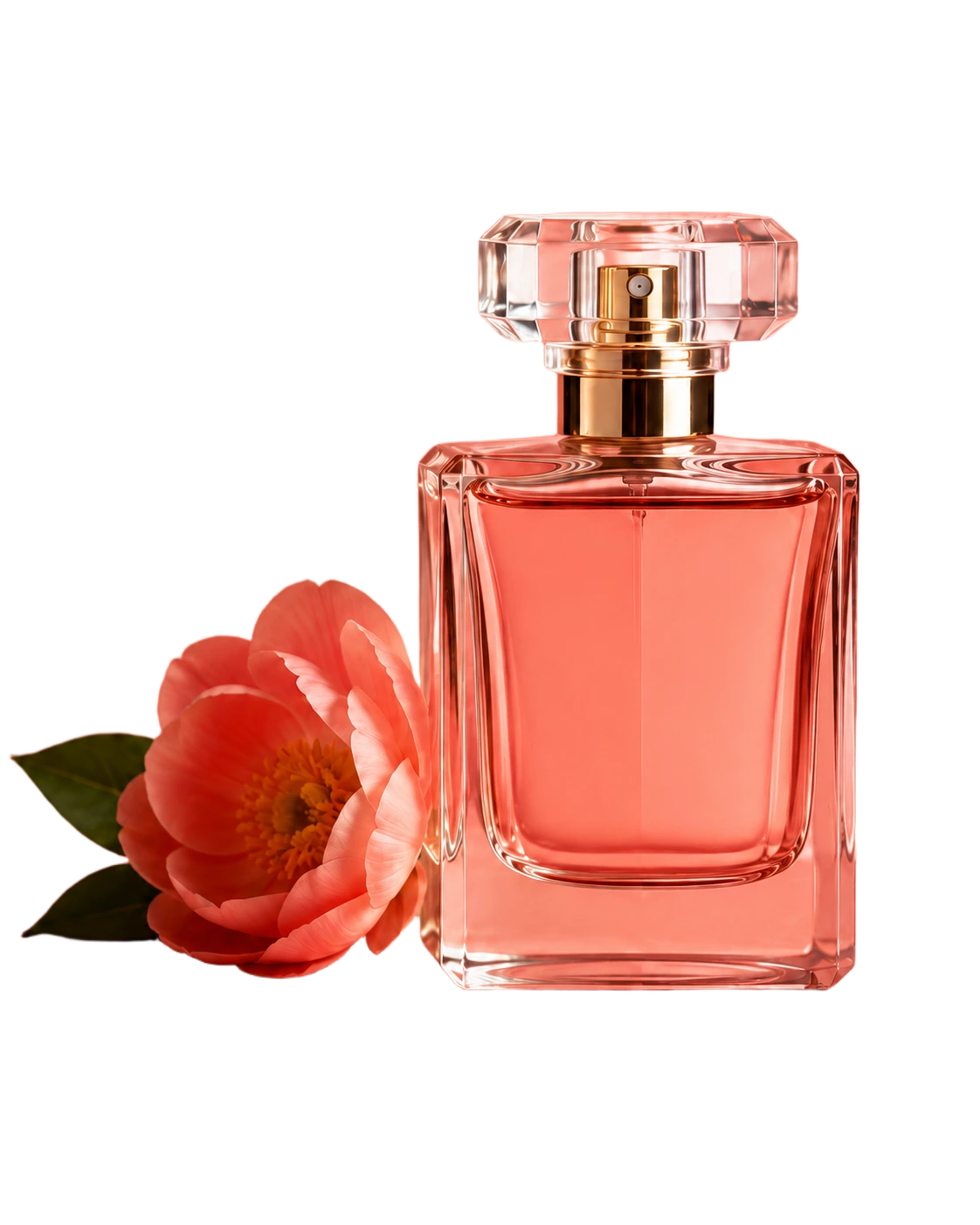
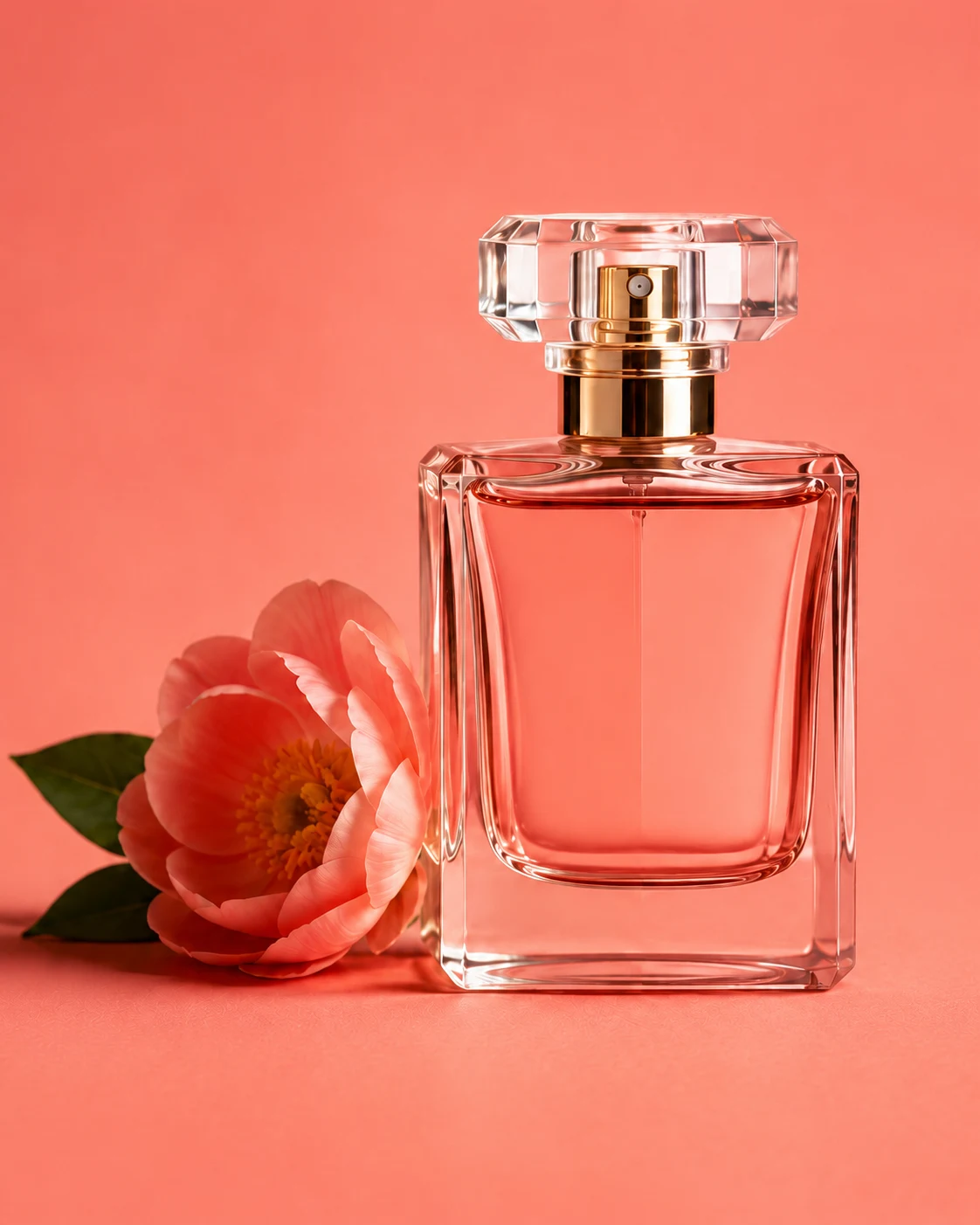
Removes any background instantly. Works on photos against white walls, colored backgrounds, or cluttered environments.
Adds a pure white background so you can make product photo background white for Amazon, eBay, and most e-commerce platforms.
Keeps sharp edges, transparency, shadows, and fine details that other tools often blur or cut off.
Choose white, transparent, black, or upload your own custom background to match your brand.
Export at the exact dimensions and quality required by Amazon, Shopify, eBay, Etsy, and more.
Create an account to process images and export final product photos without a watermark.
Take a photo of your product against any background. Upload the image above.
Choose a white background for Amazon/eBay, transparent for PNG, or any custom color.
Download the processed image at full resolution and list it on your e-commerce platform.
Start with a sharp source image, even lighting, and enough space around the product. A light box, product photo booth, or simple backdrop can help, but the final polish usually comes from removing the background and exporting a consistent white or transparent result.
| Platform | Background | Min Size | Format |
|---|---|---|---|
| Amazon | White (#FFFFFF) | 1000x1000px | JPG |
| eBay | White (#FFFFFF) | 800x800px | JPG |
| Shopify | Any clean background | 2048x2048px | JPG / PNG |
| Etsy | White or transparent | 2000x2000px | JPG / PNG |
| Walmart | White (#FFFFFF) | 2000x1500px | JPG |
BGRemover exports at the highest quality so your images meet every platform's standards. For best results on Amazon, use a product-to-frame ratio of 85% or higher.
Everything you need to know before you start
Free to start. Account required. No watermark on your images.