
01
Remove a distracting background
Isolate a face, pet, reaction, product, or object without tracing the subject by hand.
Transparent PNG · Clean outline · Reusable sticker image
Loading upload service...
Turn a portrait, pet, reaction, or object into a cleaner static sticker image. Remove the background, add an outline, and save a transparent PNG before adding or packaging it with the WhatsApp sticker workflow available on your device.
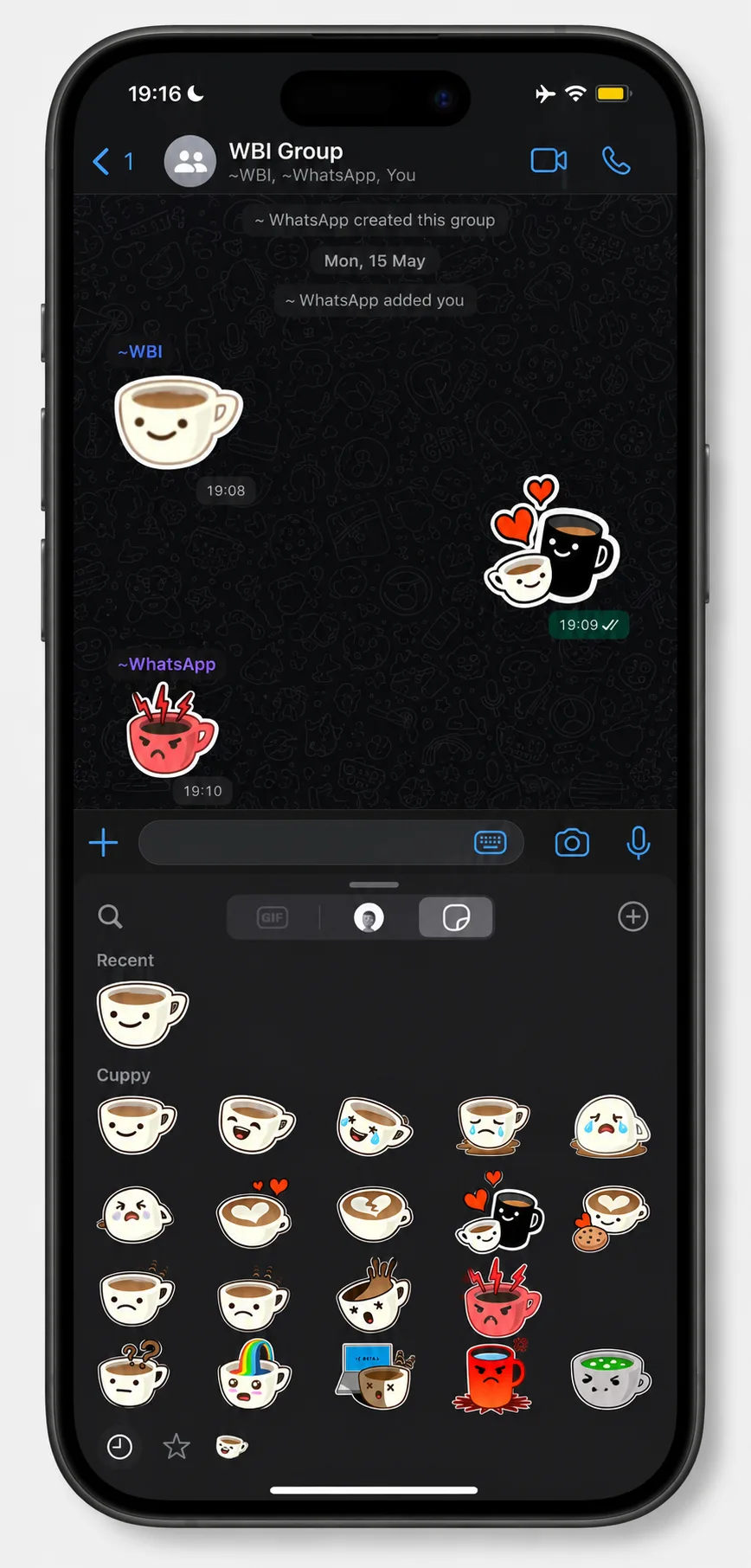
Keep a reusable transparent master while making the subject easy to read in a chat.
Isolate a face, pet, reaction, product, or object without tracing the subject by hand.
Download an image with transparency so the cutout can be reused, resized, or converted later.
Use a white or colored stroke to separate the subject from light, dark, colored, or patterned chats.
Review hair, fur, fingers, glasses, and accessories before saving the finished sticker image.
Keep the PNG for other chats, social posts, thumbnails, presentations, or design layouts.
Create the static image in BGRemover, then finish the personal sticker or pack workflow separately.
Choose a portrait, pet, reaction, or object with the full subject visible and room around small details.
Let BGRemover isolate the subject, then inspect hair, fur, hands, and other detailed edges.
Choose a visible outline width and color, then download the transparent PNG as your reusable master file.
Use the sticker-creation or pack-import path supported by your WhatsApp version, device, and intended workflow.
BGRemover prepares the image: it removes the photo background, lets you add a consistent outline, and exports a static transparent PNG. That separate file is useful when the built-in cutout misses an edge or when you want to reuse the same sticker artwork outside one chat app.
BGRemover does not install a sticker, build a sticker app, or add a pack to WhatsApp automatically. The final add or import path depends on whether you are making a personal sticker or distributing a developer sticker pack, as well as the WhatsApp version and device you use.
| Workflow | Best for | File or requirement |
|---|---|---|
| Personal sticker | Quick reactions and a small personal collection | Use the creation or import option available in your WhatsApp version |
| BGRemover master | Reviewed edges, a controlled outline, and cross-app reuse | Transparent PNG |
| Developer sticker pack | A pack distributed through a sticker app | 3–30 static or animated stickers; each pack sticker is exactly 512 × 512 WebP; static files are no more than 100KB |
The 512 × 512 WebP and file-size rules above come from WhatsApp's official developer documentation for sticker apps and packs. They do not mean a transparent PNG master is added to WhatsApp automatically. Keep the PNG, then resize, convert, or package a copy for the workflow you choose.
WhatsApp is a trademark of Meta Platforms, Inc. BGRemover is not affiliated with, endorsed by, or sponsored by WhatsApp or Meta.
Formats, sizes, outlines, and the handoff from image preparation to WhatsApp.
Remove the background, add a clean outline, and save a transparent PNG for your preferred sticker workflow.